
刚开始学做DTA的时候就想搞了,这么长时间下来也只是勉强实现了效果。
https://mr-liu.lanzoum.com/isu200l9r2hc

三个文件
解压后有三个文件,把他们放到 xna-cncnet-client\ClientGUI中
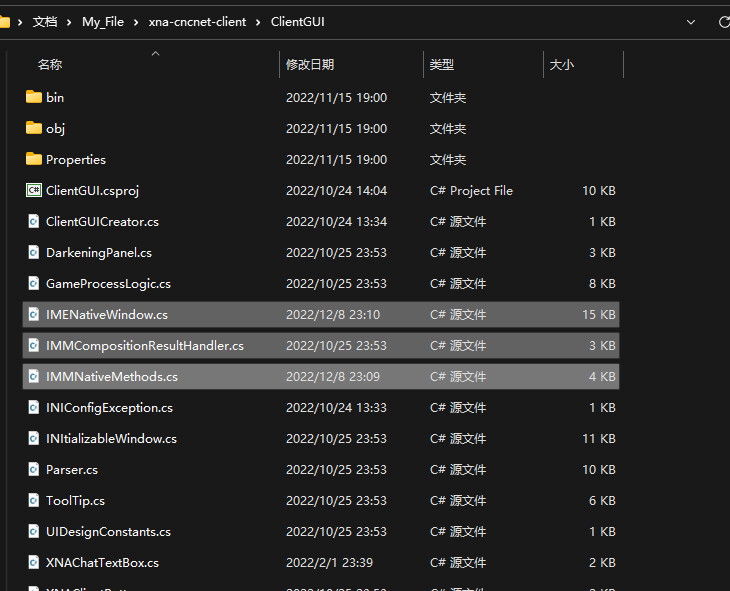
放在ClientGUI中
最后编辑一下 XNAWindow.cs。
箭头为新增的地方。
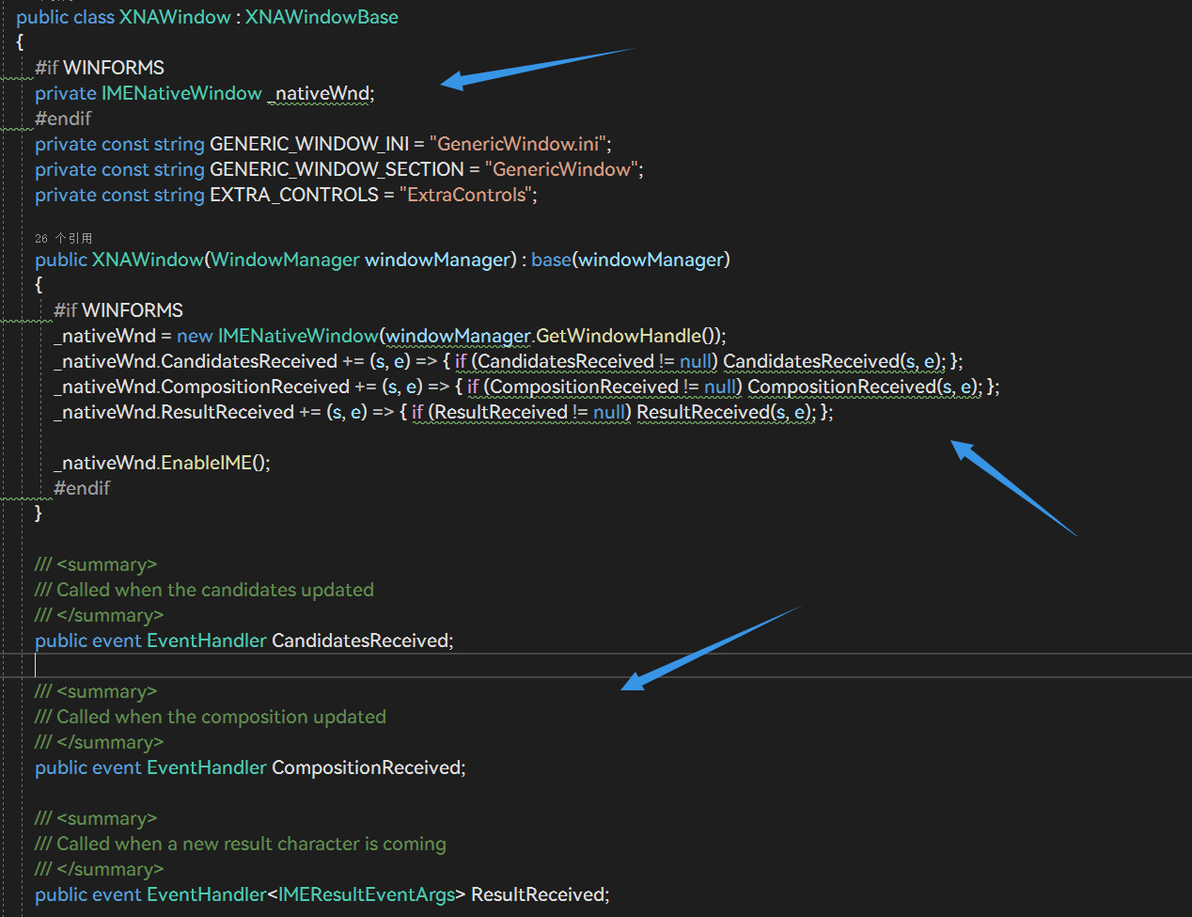
#if WINFORMS
private IMENativeWindow _nativeWnd;
#endif

#if WINFORMS
_nativeWnd = new IMENativeWindow(windowManager.GetWindowHandle());
_nativeWnd.CandidatesReceived += (s, e) => { if (CandidatesReceived != null) CandidatesReceived(s, e); };
_nativeWnd.CompositionReceived += (s, e) => { if (CompositionReceived != null) CompositionReceived(s, e); };
_nativeWnd.ResultReceived += (s, e) => { if (ResultReceived != null) ResultReceived(s, e); };
_nativeWnd.EnableIME();
#endif
/// <summary>
/// Called when the candidates updated
/// </summary>
public event EventHandler CandidatesReceived;
/// <summary>
/// Called when the composition updated
/// </summary>
public event EventHandler CompositionReceived;
/// <summary>
/// Called when a new result character is coming
/// </summary>
public event EventHandler<IMEResultEventArgs> ResultReceived;

这样就能调用系统的输入法了。

不过问题显而易见,它不会在框里出现字母,不过勉强也能用吧。
我是参考的这个做出来的 https://github.com/JLChnToZ/IMEHelper,因为有实例方便我照葫芦画瓢。
最近可算运行起来了.net7的DTA客户端,现在看来之前的我真是个笨比,这里分享一下经验。
.net7的DTA客户端源码要用克隆仓库的形式获取,之前傻傻的直接下根本运行不了。
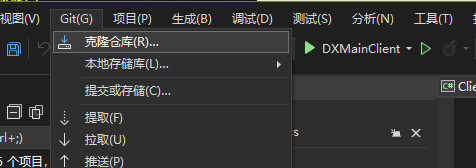
.net7的DTA客户端构建需要.Net SDK7.0,Visual Studio 2022,powershell要7.2及以上。(其实github都写了..)
编译时将Build-Ares.ps1拖到powershell里即可。
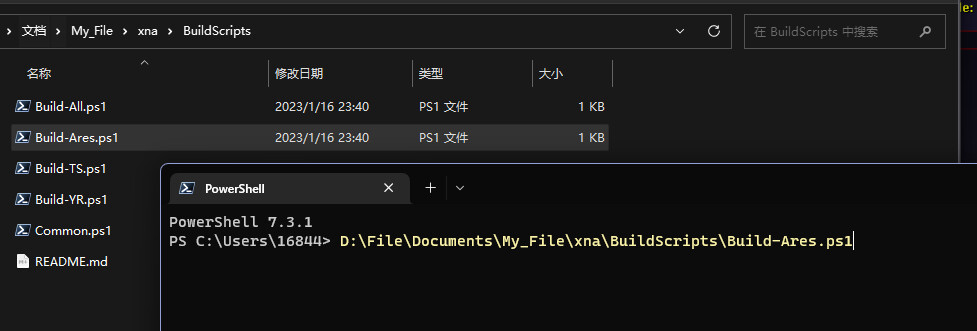
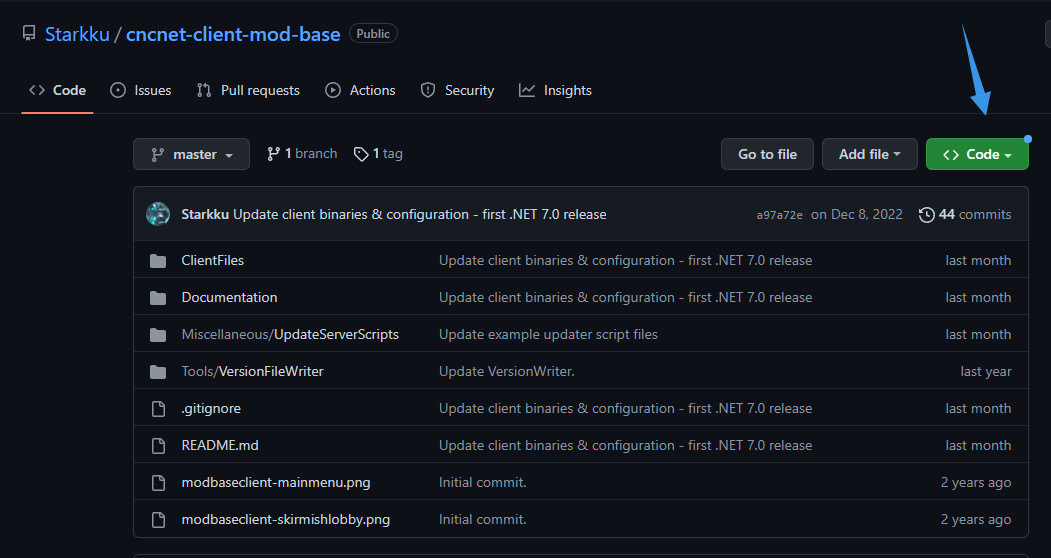
客户端文件可以先用 https://github.com/Starkku/cncnet-client-mod-base,因为我用自己的跑不起来,后面慢慢改就是了。
如果有问题还请各位大佬指正。
