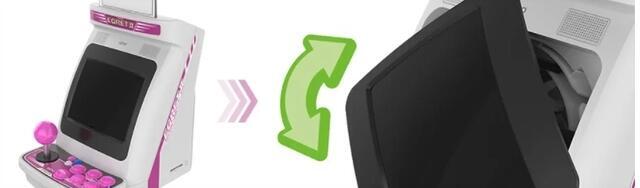

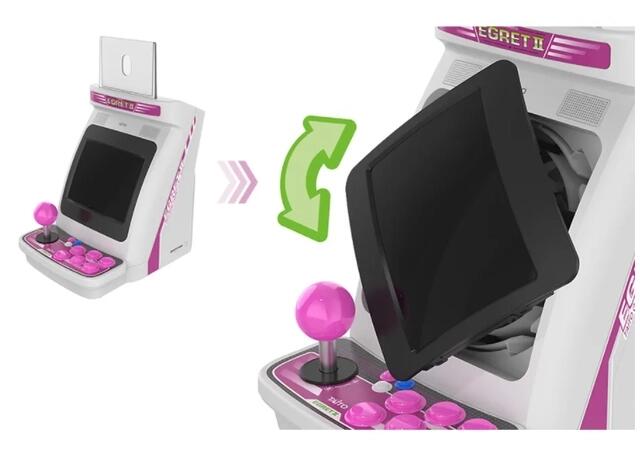
白鹭2是一款经典的街机框体, 屏幕可以旋转以适配横屏和竖屏的游戏。 白鹭2mini 是该框体的迷你版。
破解步骤如下:
1. 下载并将batocera-sunxi_r16-e2m-36-20221107.img.gz文件并烧录到至少有16GB存储空间的空SD卡中。你可以使用balena-etcher烧录。镜像下载地址如下:
https://115.com/s/sw6kinf33ae?password=sb13&#
访问码:sb13
下载下面链接驱动安装到电脑上
https://115.com/s/sw65dsq33ae?password=x512&#
访问码:x512
2. 将SD卡插入白鹭2 mini的SD卡接口
3. 下载并解压egret2-install_20221231 文件夹到电脑上。下载地址如下
https://115.com/s/sw6k7rv33ae?password=j7f4&#
访问码:j7f4
4. 拔下白鹭2 mini电源适配器(或断开USB C电源线)
5. 找一根USB A到USB A电缆,把USB线一端插在2P接口, 一端插在电脑上。
6. 将白鹭2 mini电源开关置于ON位置。
7. 运行egret2-install_20221231 文件夹中的e2m-backup-and-install.bat脚本,并按键盘上的任意键。
8. 插上USB C电源线。
等待引导加载程序安装完成,你会看到如下内容:
$ ./e2m-backup-and-install.shE2M custom boot installation============================1. Connect the USB C Power cable to the E2M power port2. Connect a USB A to USB A cable to the E2M 2P USB port3. Press a key when you are ready, and then plug the USB A cable to this computer.*** PRESS A KEY WHEN READY AND THEN CONNECT THE E2M TO THE USB ***No Allwinner devices in FEL mode detected.Attempt #:1No Allwinner devices in FEL mode detected.Attempt #:2No Allwinner devices in FEL mode detected.Attempt #:3No Allwinner devices in FEL mode detected.Attempt #:4No Allwinner devices in FEL mode detected.Attempt #:5No Allwinner devices in FEL mode detected.Attempt #:6No Allwinner devices in FEL mode detected.Attempt #:7Initializing...Sending now...finished: status:0...31Astro City Mini should be in FEL mode now.Booting from memory...100% [================================================] 13 kB, 126.0 kB/s100% [================================================] 3423 kB, 191.8 kB/s 100% [================================================] 3616 kB, 191.7 kB/s 100% [================================================] 1114 kB, 191.9 kB/s Done.
白鹭2mini将会重启。
重启需要3分钟左右。
