

E2-SteamDeck自定义开机动画
本教程入口专栏:
本教程对应视频链接:
资源获取:
https://steamdeckrepo.com/
找到喜欢的,直接下载即可
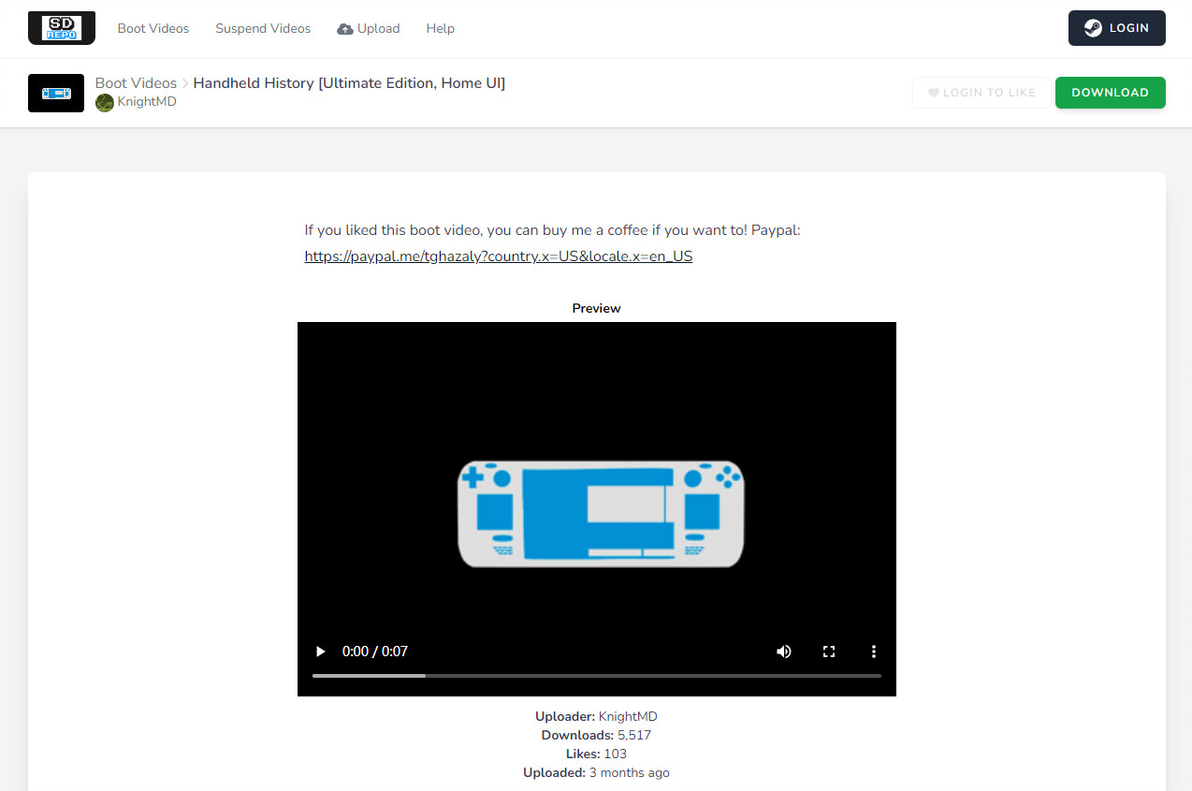
替换方法很简单,只要将视频重命名为deck_startup.webm和deck-suspend-animation.webm,拷贝到/home/deck/.steam/root/config/uioverrides/movies/目录下(没有就创建),对于休眠视频如果要全屏播放,再修改/home/deck/.local/share/Steam/steamui/css/下的1010.css,将
替换为
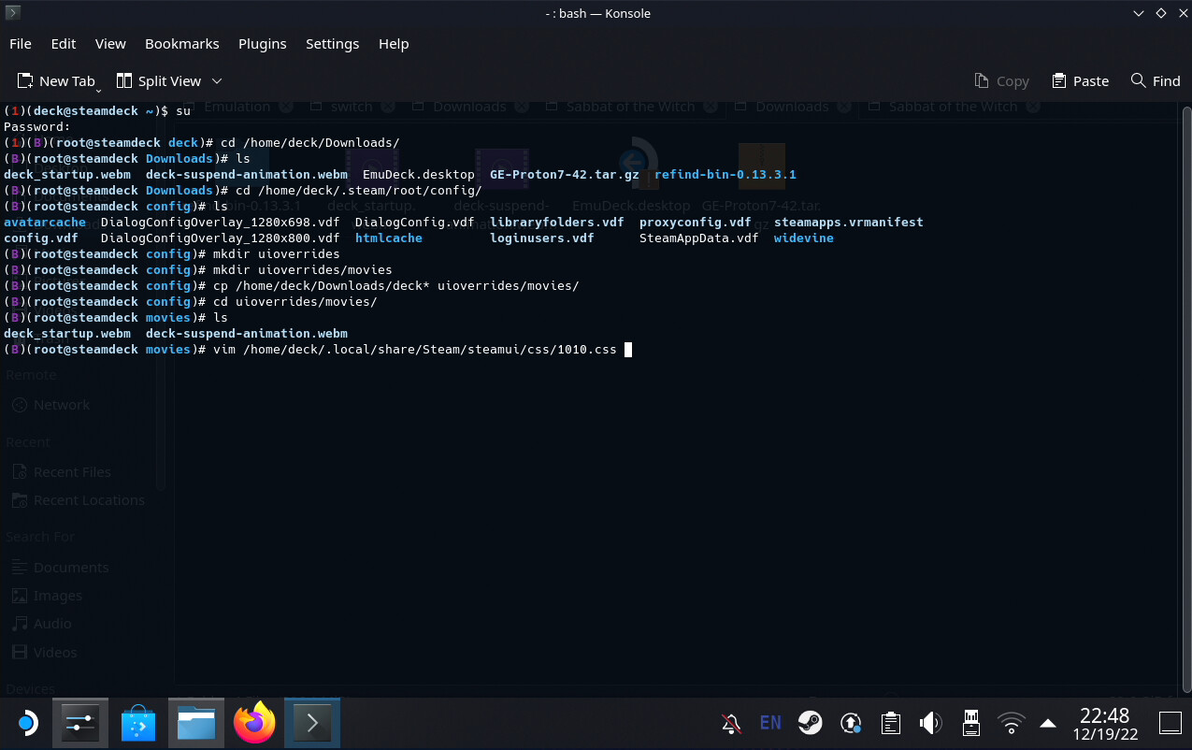
以下是操作截图,创建目录,并将两个视频文件复制进去
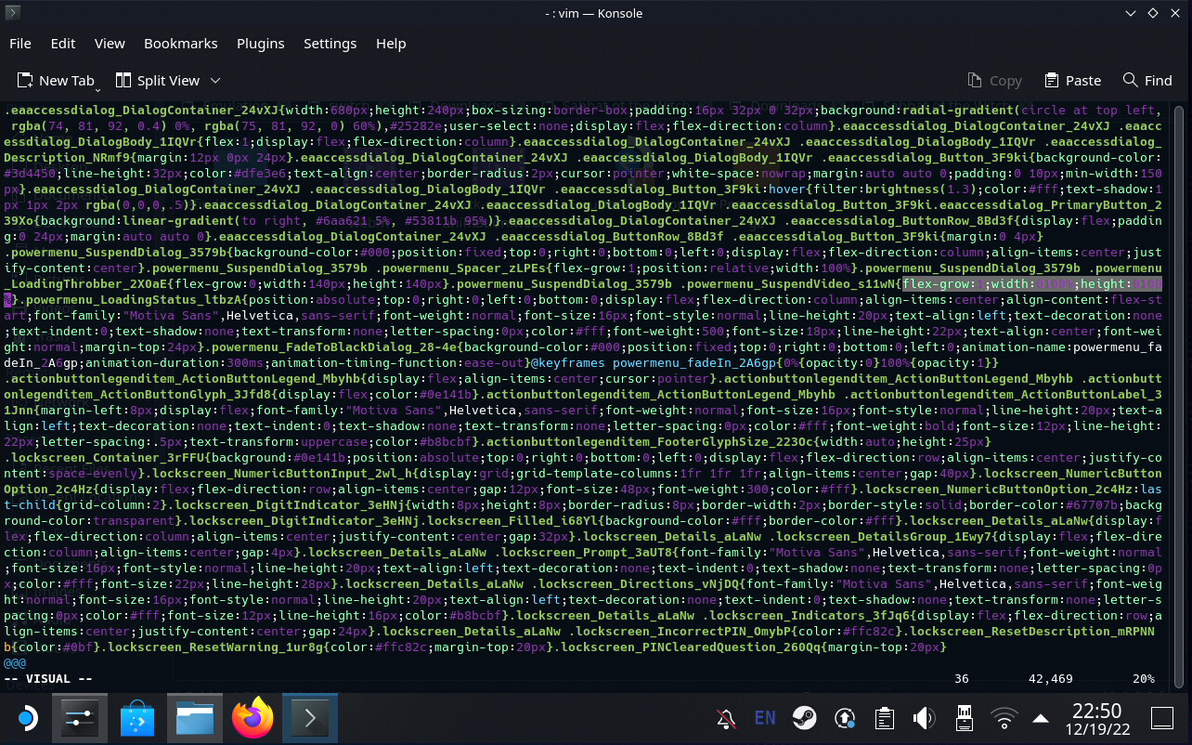
针对休眠视频,修改css文件
以下是官方的安装说明,如果上面我概括的没看懂可以看下面
开机视频安装指导:
https://steamdeckrepo.com/help
Manual Installation
1. Hold the Power button and select Switch to Desktop.
2. Download and rename the file to .
3. Copy the file to .
休眠视频安装指导:
https://steamdeckrepo.com/help
Install Suspend Videos
Manual Installation
1. Hold the Power button and select Switch to Desktop.
2. Download and rename the file to or .
3. Copy the file to .
4. Follow the steps below to allow suspend videos to play in fullscreen.
Making Suspend Videos Fullscreen
By default, the Steam Deck's suspend videos are actually 450x450 transparent videos placed in the middle of the screen, but Steam Deck Repo's videos are all 1280x800. There is a workaround that lets them play in fullscreen. The following instructions must be done in Desktop Mode.
1. Download Notepadqq from the Discover app.
2. Navigate to using Dolphin.
3. Open with Notepadqq.
4. Find in the file and replace it with .
