
1.准备:
插件:DoTween,NaughtyAttributes准备一个有重力的物体,具备CharacterController和刚体
public CharacterController cc; public float g=9.8f; private void FixedUpdate() { cc.Move(g * Time.fixedDeltaTime*Vector3.down); }

刚体配置
重力效果
2.利用DoTween数值动画,制作击飞核心方法DOHit
//高度totalY 击退方向horVec public static Tween DOHit(this CharacterController cc, float totalY, Vector3 horVec,float duration) { Transform tf = cc.transform; if (totalY == 0) { totalY = 0.1f; } float time = 0; float lastT = 0, deltaT = 0; //0 ->1的数值动画 Tween tween = DOTween.To(x => time = x, 0, 1, duration); tween.SetEase(Ease.OutQuad); //tween.SetLoops(2,LoopType.Yoyo); Vector3 targetMove = horVec; targetMove.y += totalY; //目标移动量 tween.OnUpdate(() => { deltaT = time - lastT; lastT = time; Vector3 delta = targetMove * deltaT; cc.Move(delta); }); return tween; }
3.测试和调用 传入高度和击退方向,调用DOHit方法就可以了
public Vector3 move; public float time = 0.1f; [Button] public void OnMove() { cc.DOHit(move.y, move, time); }

绘制按钮使用的是NaughtyAttributes测试组件
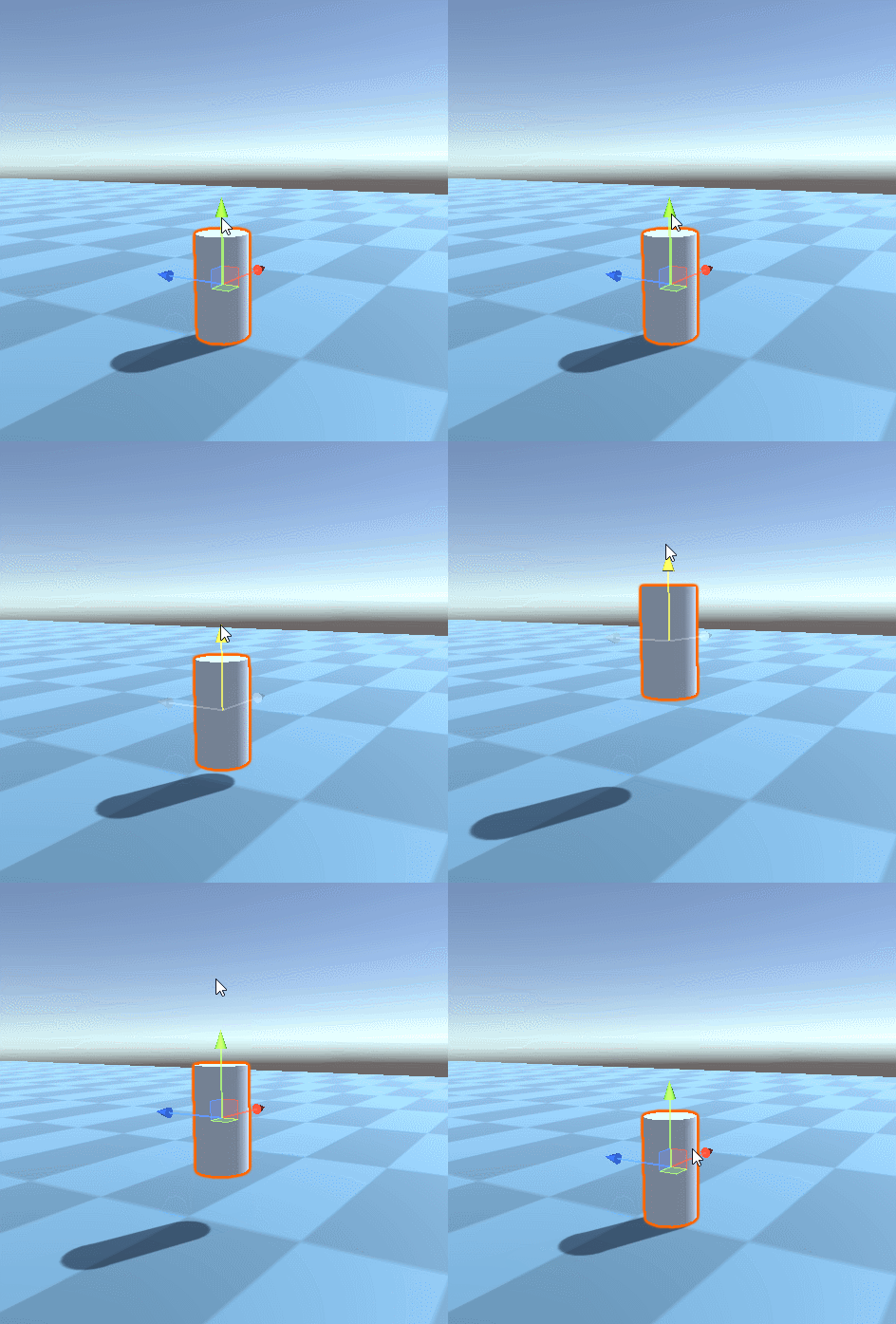
连续点击就可以看出效果

击飞效果
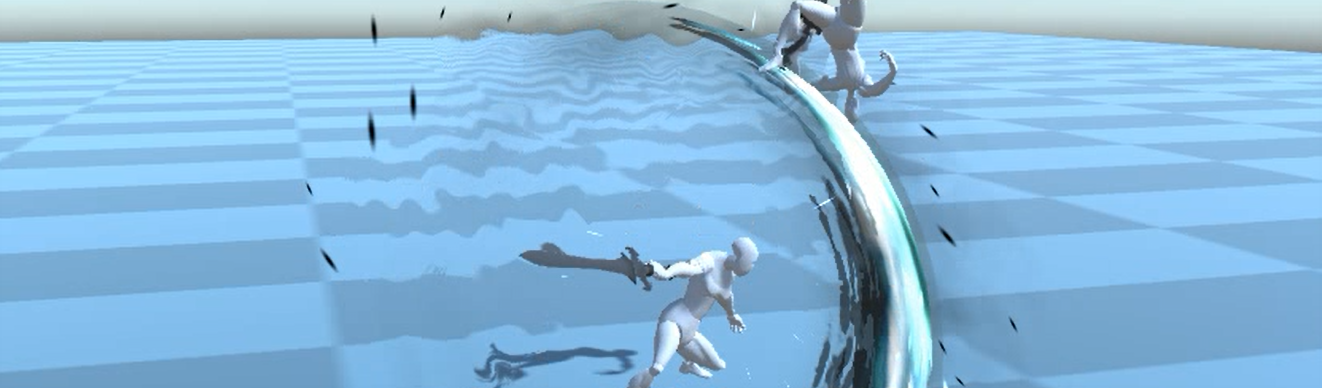
最终效果
应用到游戏内 ,加上人物动画,调整力度和重力后的效果

补充1.DoTween的曲线数值很好用,使用DOVirtual.EasedValue可以获取动画曲线上的点y= DOVirtual.EasedValue(0, 1, x , Ease.OutQuad)
其次是将动画循环设置Yoyo, 那么则可以在不使用重力的情况下,追加下落动画 tween.SetLoops(2,LoopType.Yoyo);

常用曲线
更多曲线: https://github.com/smartgrass/ReadMeImgs/blob/main/MainPng/DoTweenEase.png
2.NaughtyAttributes--编辑器扩展绘制插件
https://github.com/dbrizov/NaughtyAttributes
