
解决“OSError: [WinError 126] 找不到指定的模块。 Error loading "OSError: [WinError 126] 找不到指定的模块。 Error loading "D:\A_Software\D_ProgramSoftware\Anaconda\Lib\site-packages\torch\lib\fbgemm.dll" or one of its dependencies.

下载 dll 文件依赖分析工具 Dependencies
下载地址:https://github.com/lucasg/Dependencies/tree/v1.11.1
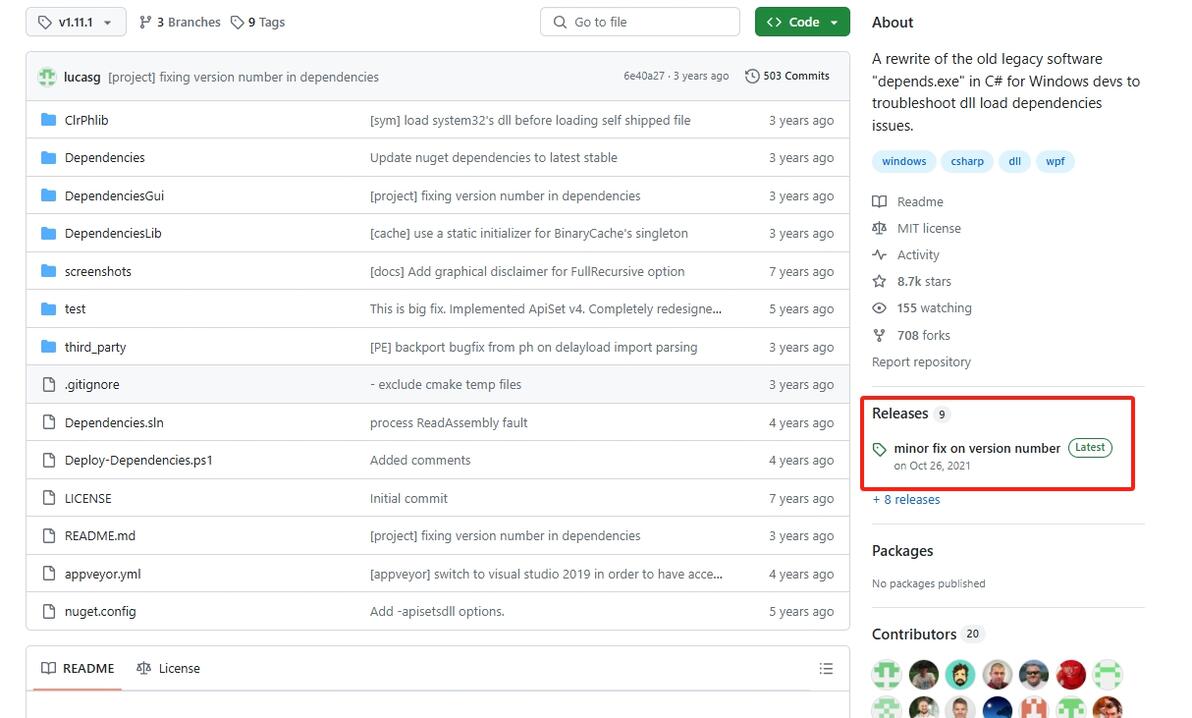

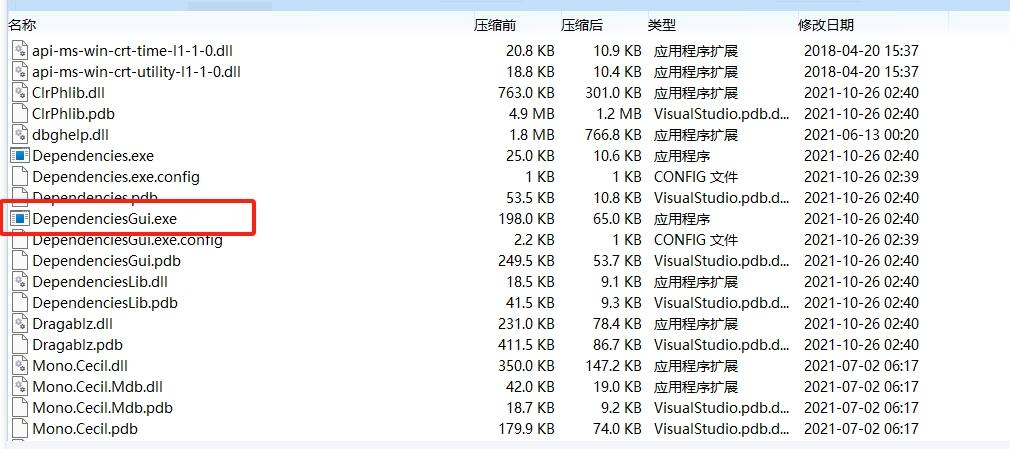
下载文件,找到DependenciesGui.exe,运行,file中打开报错的文件夹,我这里是“D:\A_Software\D_ProgramSoftware\Anaconda\Lib\site-packages\torch\lib\”

打开“fbgemm.dll”,显示“libomp140.x86_64.dll”标红,表示缺少文件,下载这个文件


打开网页libomp140.x86_64.dll : Free .DLL download. (dllme.com)
https://www.dllme.com/dll/files/libomp140_x86_64?sort=upload&arch=0x8664

根据需求下载文件,我64位,下的第一个可用,
下载完后,把文件中的“libomp140.x86_64.dll”复制到报错的文件夹下(我这里是D:\A_Software\D_ProgramSoftware\Anaconda\Lib\site-packages\torch\lib\),就解决了

参考: pytorch|找不到 fbgemm.dll 问题处理-CSDN博客
解决OSError: [WinError 126] 找不到指定的模块。 Error loading “D:\app\anaconda\Lib\site-packages\torch\lib\fbge
