
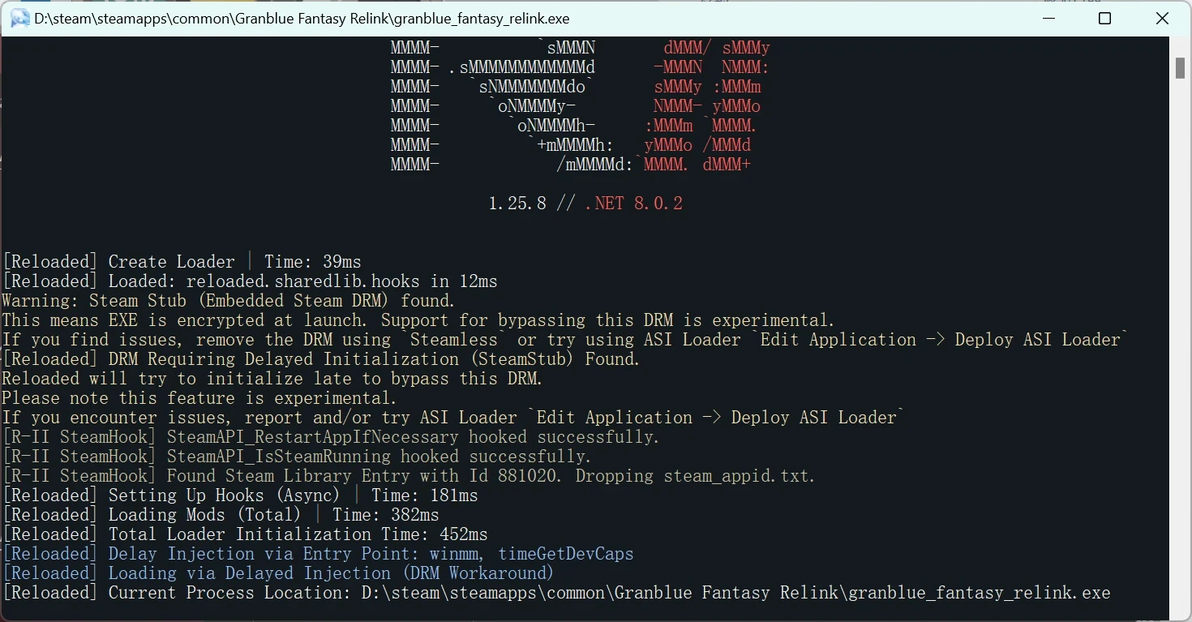
Reloaded-II 报错内容:
Warning:Steam Stub(Embedded Steam DRM)found.This means EXE is encrypted at launch. Support for bypassing this DRM is experimentalIf you find issues, remove the DRM using 'Steamless or try using ASI Loader Edit Application -> Deploy ASI LoaderReloaded] DRM Requiring Delayed Initialization (SteamStub) FoundReloaded will try to initialize late to bypass this DRM.Please note this feature is experimental.If you encounter issues, report and/or try ASI Loader Edit Application -> Deploy ASI Loader
解决方法:
1.下载Steamless;
https://sourceforge.net/projects/steamless.mirror/
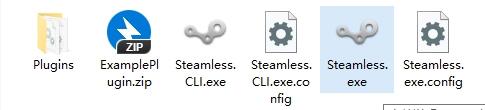
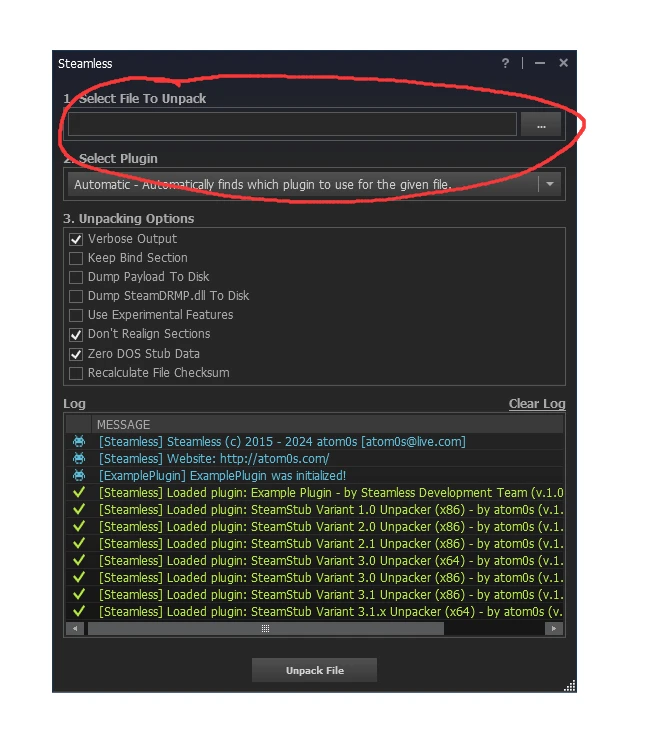
2.点开Steamless.exe;
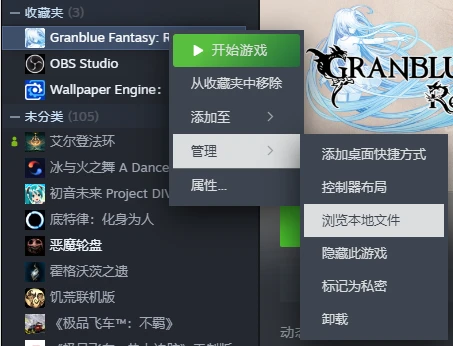
3.找到 steam【碧蓝幻想relink】安装地址;
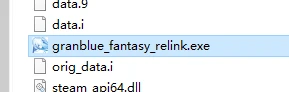
4.将【碧蓝幻想relink.exe】文件拖到Steamless红圈处;
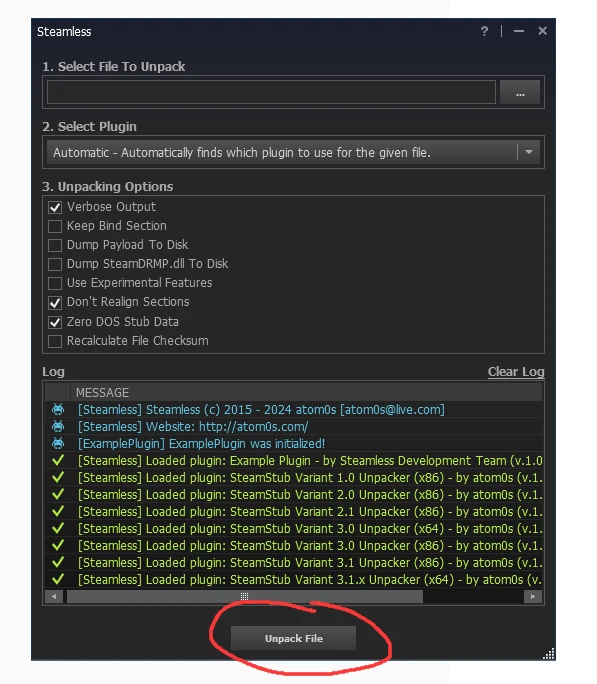
5.点击Steamless红圈所示Unpack File;
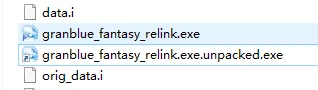
6.删除【granblue_fantasy_relink.exe】文件(原文件);
并将【granblue_fantasy_relink.exe.unpacked.exe】(Steamless生成的文件)更名为【granblue_fantasy_relink.exe】
7.添加mod运行Reloaded-II即可解决DRM报错;
