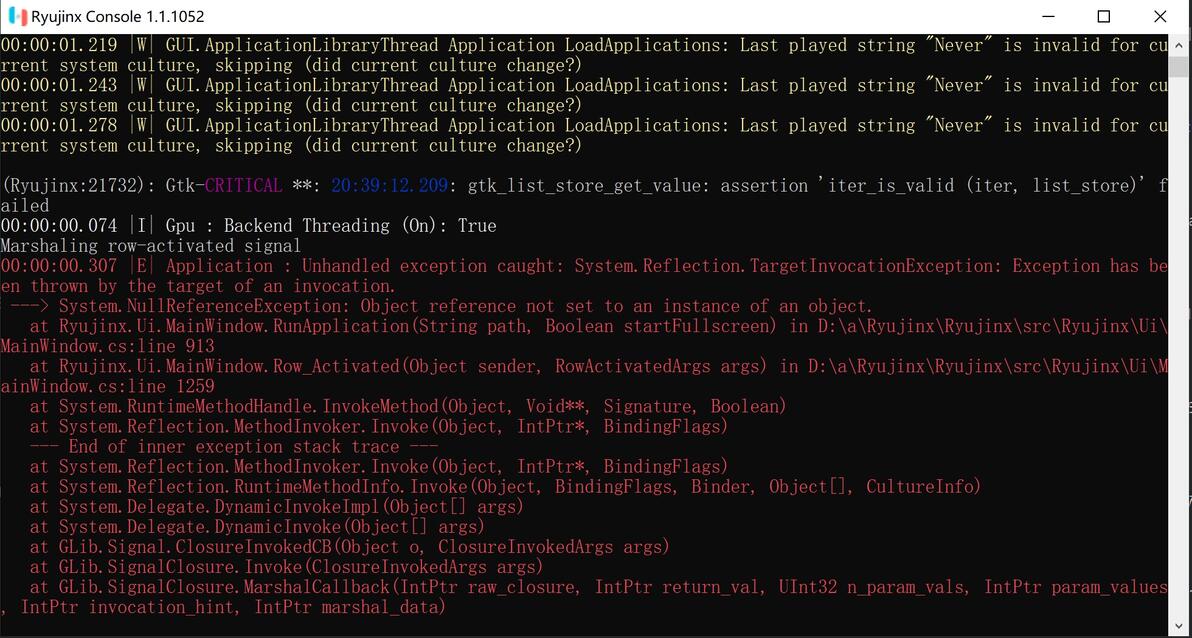

最近这段时间,用龙神模拟器 Ryujinx 的玩家可能会碰到所有游戏都打不开的情况,在控制台的调试窗口会有这样的提示:
00:00:00.325 |E| Application : Unhandled exception caught: System.Reflection.TargetInvocationException: Exception has been thrown by the target of an invocation.
---> System.NullReferenceException: Object reference not set to an instance of an object.
at Ryujinx.Ui.MainWindow.RunApplication(String path, Boolean startFullscreen) in D:\a\Ryujinx\Ryujinx\src\Ryujinx\Ui\MainWindow.cs:line 913
at Ryujinx.Ui.MainWindow.Row_Activated(Object sender, RowActivatedArgs args) in D:\a\Ryujinx\Ryujinx\src\Ryujinx\Ui\MainWindow.cs:line 1259
at System.RuntimeMethodHandle.InvokeMethod(Object, Void**, Signature, Boolean)
at System.Reflection.MethodInvoker.Invoke(Object, IntPtr*, BindingFlags)
--- End of inner exception stack trace ---
请注意,这个错误提示说的是 D:\a\Ryujinx\ 这个目录下的文件有问题,但其实大家都没有把模拟器装在这个目录里,而且压根也没有这个目录。
一般来说,重启电脑后马上运行龙神模拟器就不会有这个问题,游戏可以正常玩。但不知道什么时候又会出现这个问题,感觉可能是和电脑里的某个软件有冲突,而且是和用户界面有关的,现在还不能确定具体原因。
这里有个临时的解决办法:
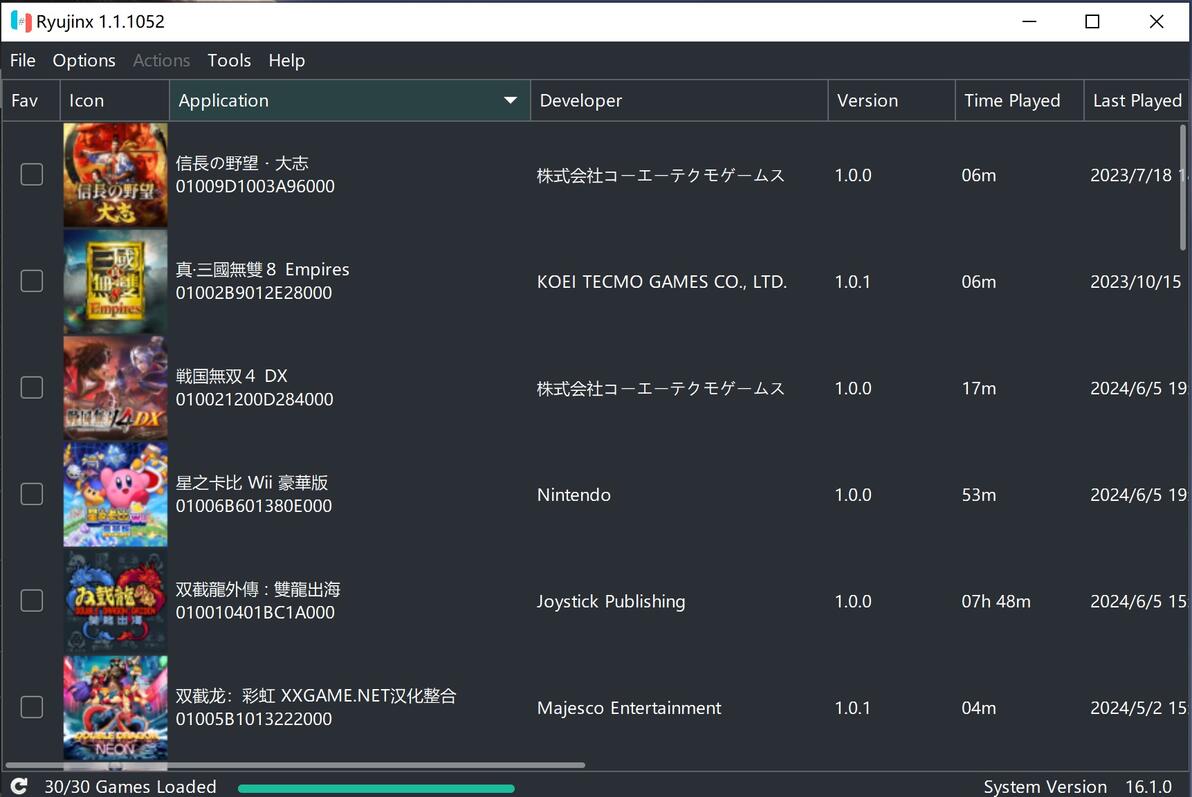
1. 打开模拟器。
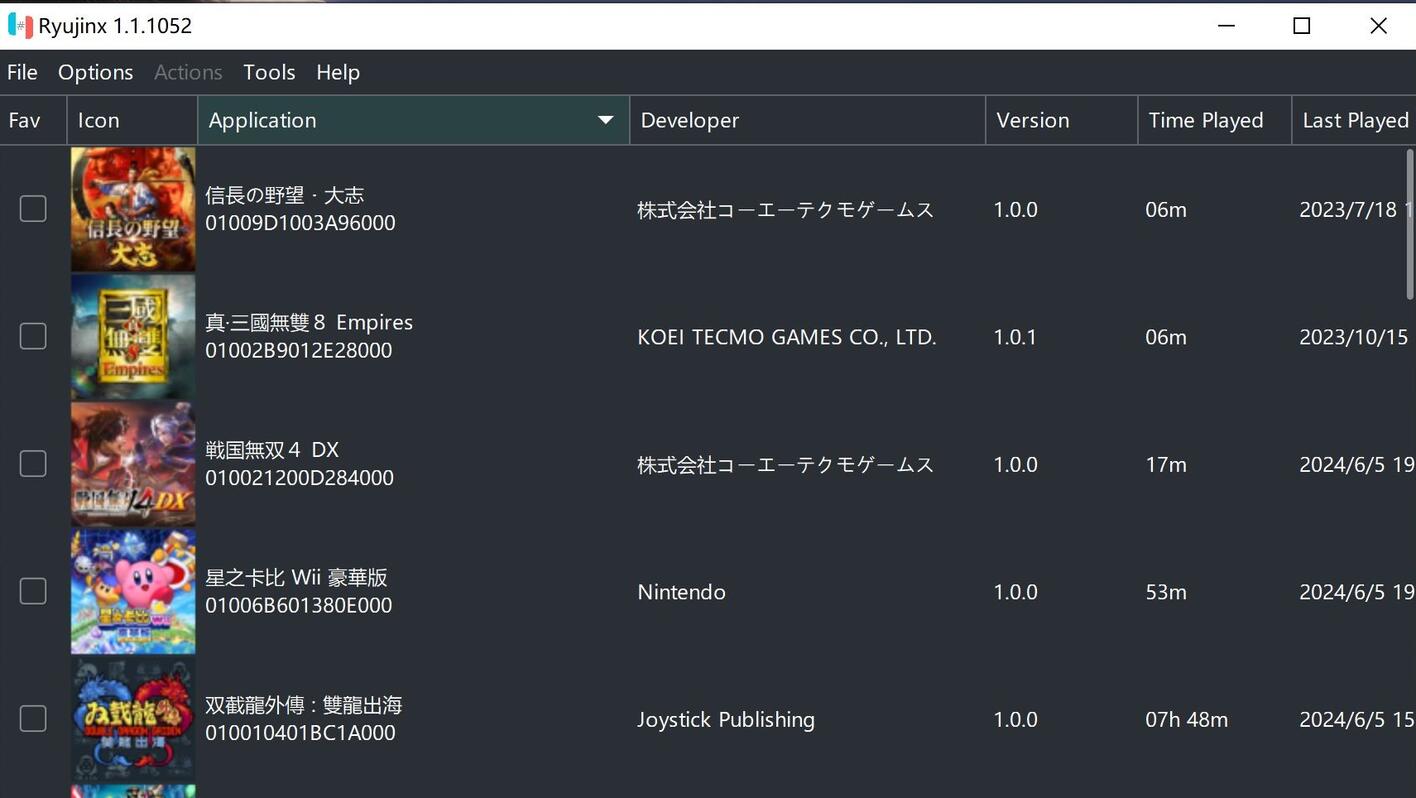
2. 用鼠标点一下你想玩的游戏那一行。
3. 按一下键盘上的回车键,这样就可以正常玩游戏了。
简单点说,就是用回车键代替鼠标双击来打开游戏。