
GitHub Link: https://github.com/twoyearslateravocadocodes
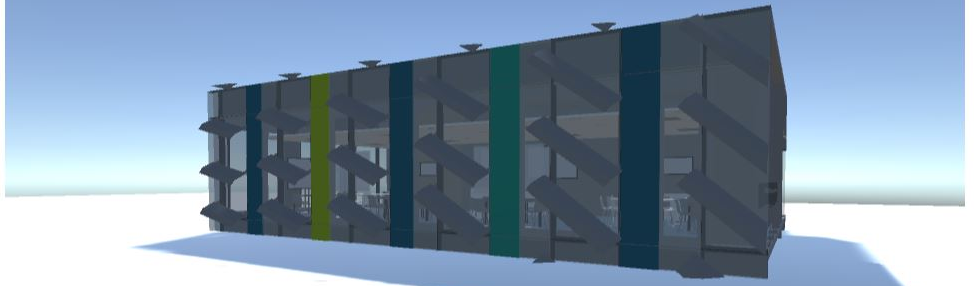
An example project:
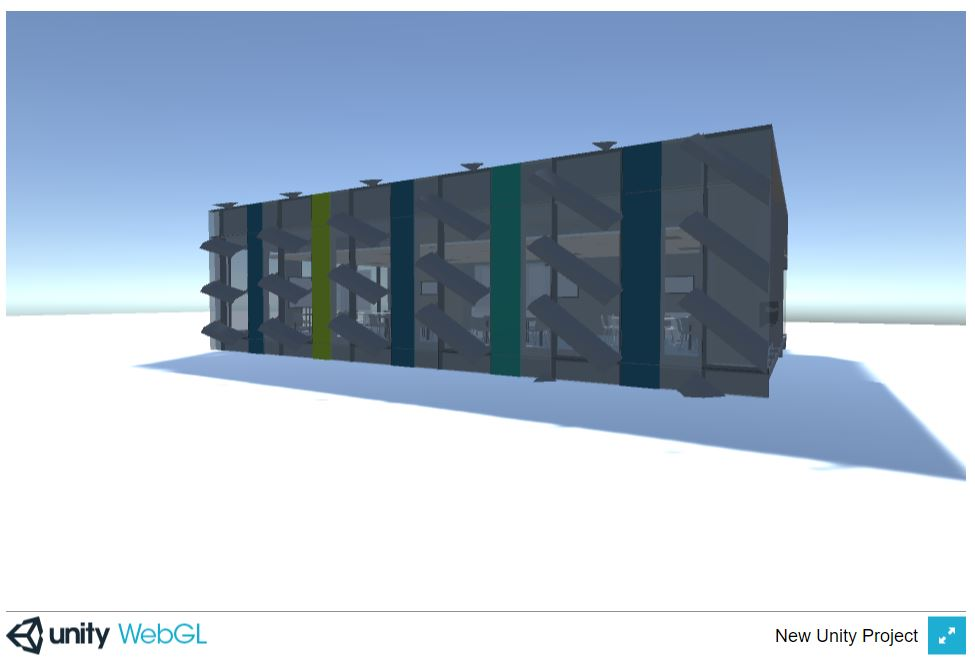
unity3D gameplay experience hosted by github
Experience it via https://twoyearslateravocadocodes.github.io/revit-model-unity-walkthrough/index.html
How to host web-based unity3D gameplay experience via github? This page provides a quick tutorial on this. :)
step 1: built out your Unity project as a WebGL package
Click File -> Build Settings in Unity3D to open the Build Settings panel in Unity (see Figure below). In the Build Settings panel, please select WebGL platform (see Figure below) and click Open Download Page if No WebGL module loaded as shown in Figure below.
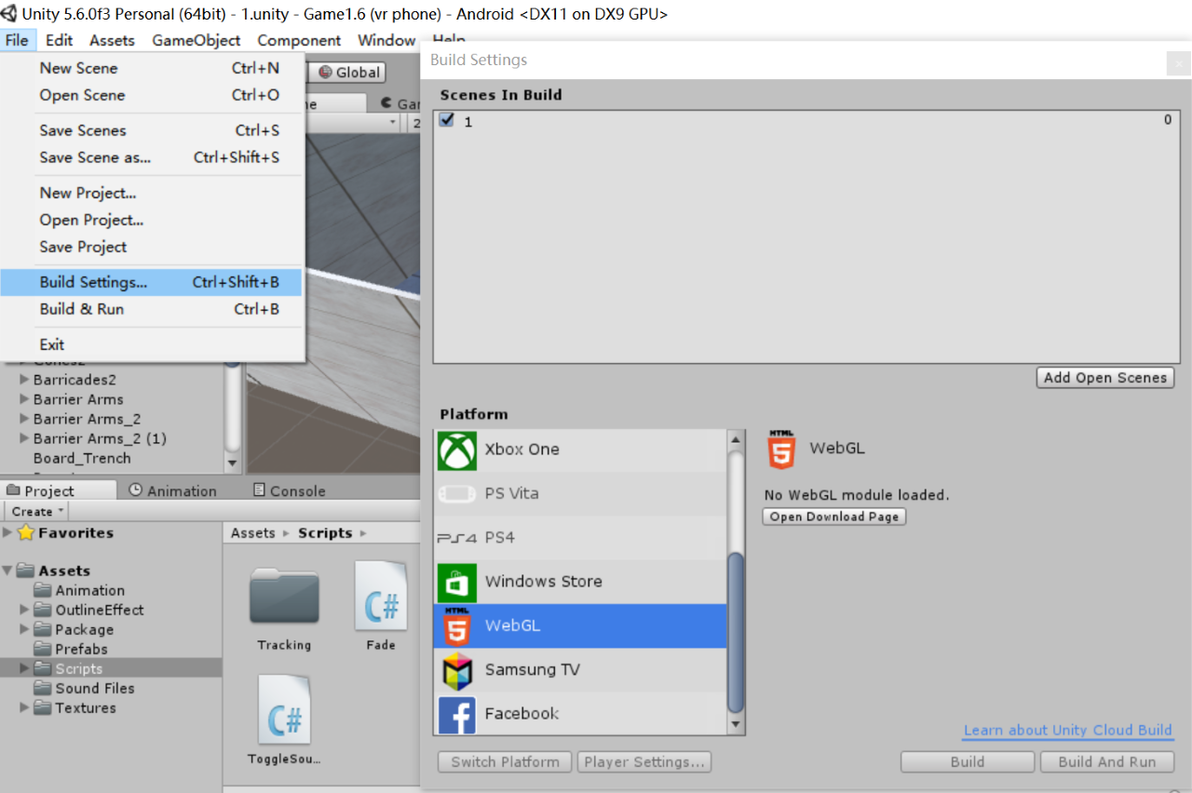
When the WebGL module is installed (see Step one above), click Build button on the right bottom of the panel (see Figure above).
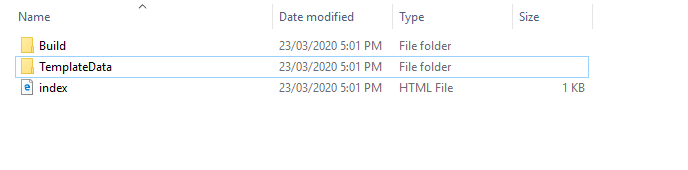
When the project is built out, the built-out folder should contain the files as the Figure shows below.
step 2: sign up github and create a new repository
Sign up via webpage: https://github.com/
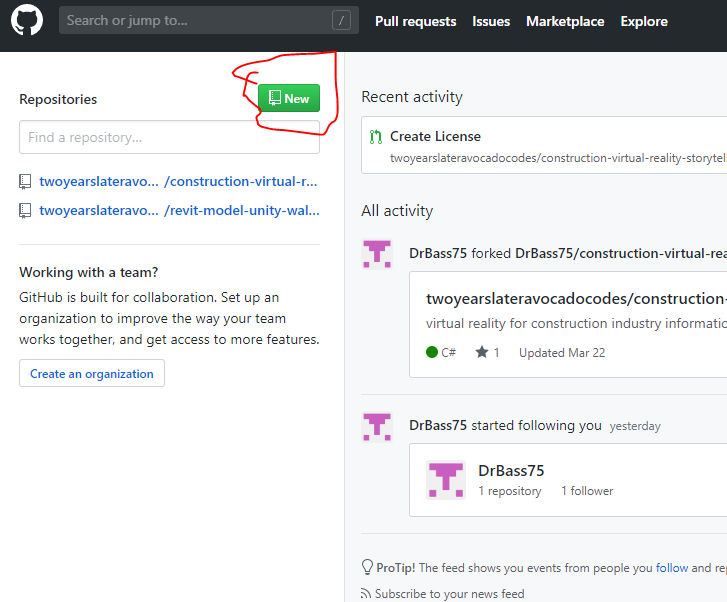
Log into your GitHub acount and create a new repository by clicking New button as shown in Figure below.
step 3: upload your built-out WebGL file to github
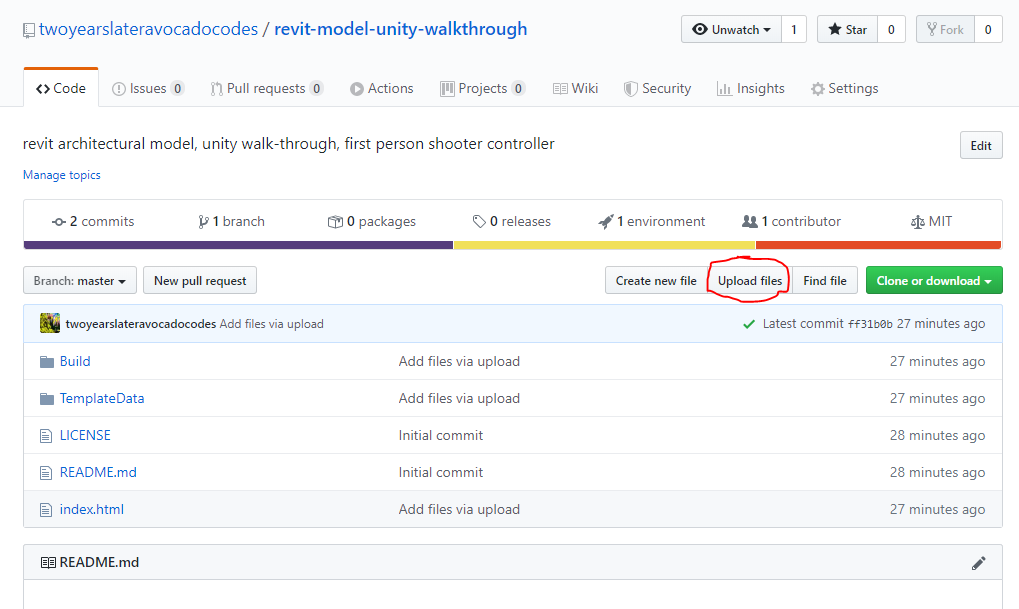
Open the repository you have just created and click Upload Files button as the Figure below shows. Then, GitHub will ask you to drag and drop files to add to your repository. Please follow the instruction to drag the files your have built out (see Step three) into the uploading slot. Note: No parental folder is needed, just directly drag the files (two folders and the HTML file) into the slot.
step 4: generate the sharable link of the online version of your executive unity3D gameplay
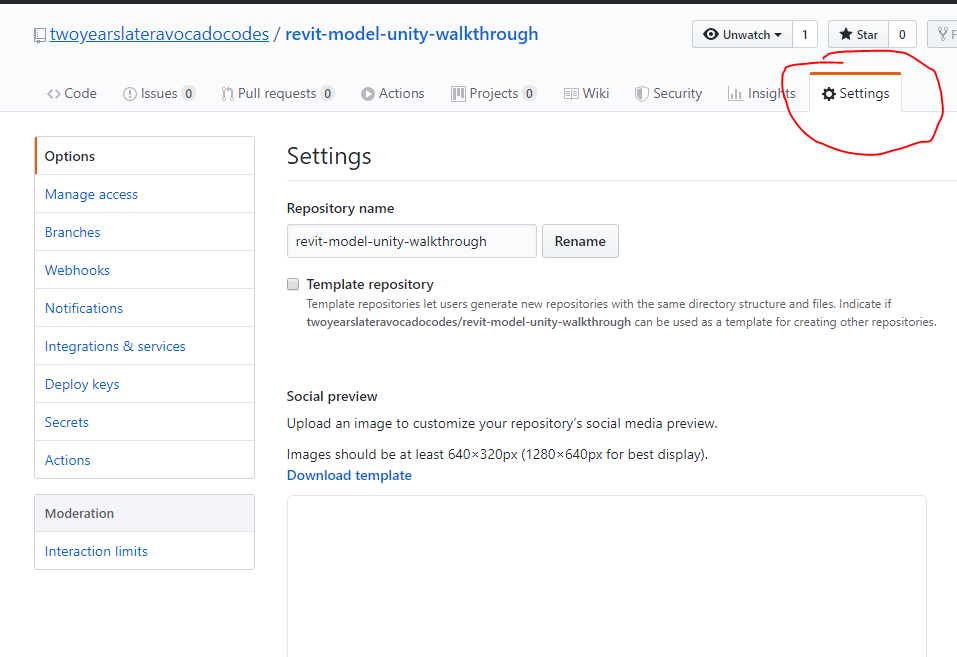
Select Settings in your repository (see Figure below).
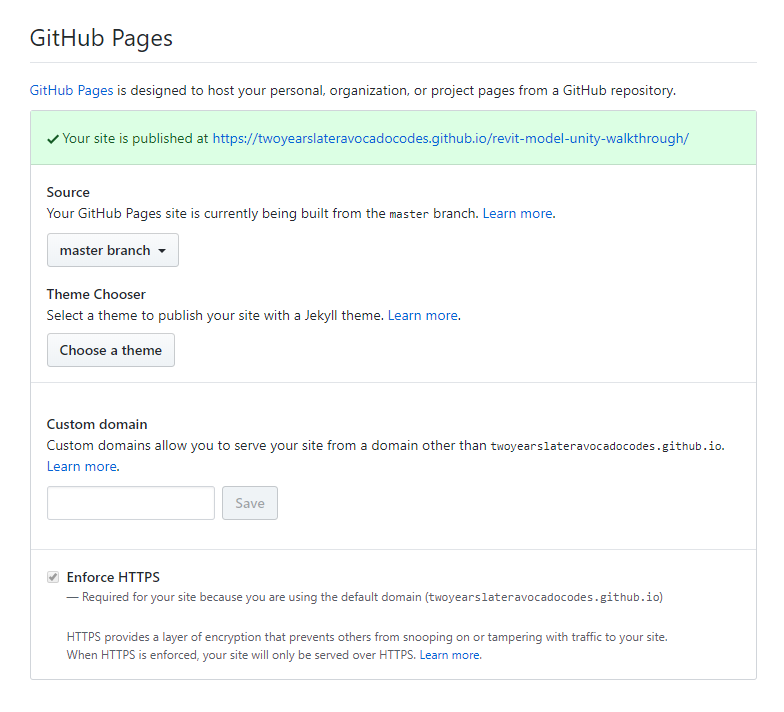
Scroll down the setting page until GitHub Pages section as shown in Figure below. If your Source is none, select the master branch option as shown below. Then a statement will automatically generate saying "Your site is published at http://XXXXXXXXX.github.io/XXXXXX/" (see the Figure below). Please copy the link and add index.html at the end of http://XXXXXXXXX.github.io/XXXXXX/. Just as http://XXXXXXXXX.github.io/XXXXXX/index.html You can then copy the link to your browser and your unity built-out game will start by itself through webpage directly.
Please be aware that the keyboard and mouse control method or Google Cardboard VR method is preferred by webpage gameplay.