目录
scrypted- DIY门铃

记录一下,防止忘记,做一个mqtt门铃
步骤参考官方步骤
Steps
Go to Device Groups
Create device group
Name the device group
Assign it type: doorbell
Select grouped devices:
Camera (Camera) - this handles snapshots
Camera (VideoCamera) - this handles video
Camera (MotionSensor) - motion trigger
Set type to Doorbell
The button (BinarySensor) (zwave, mqtt, dummy, etc)
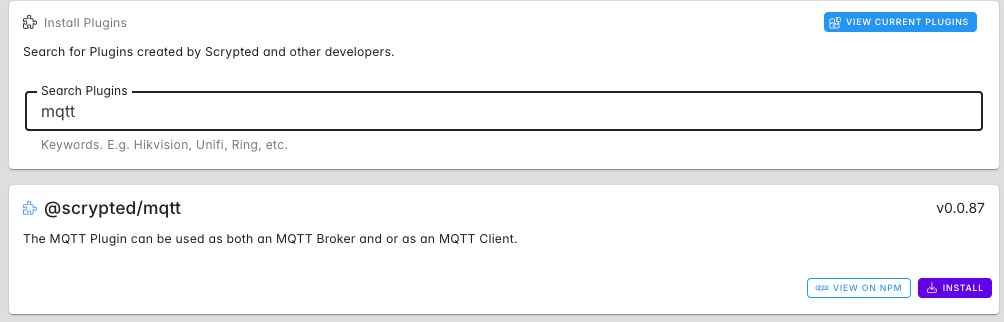
一、安装mqtt插件
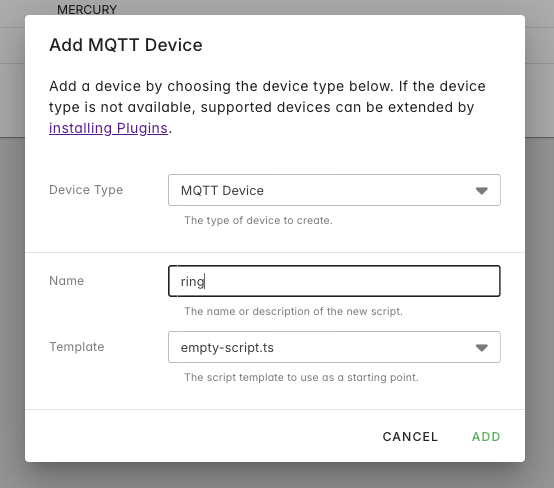
二、添加一个设备
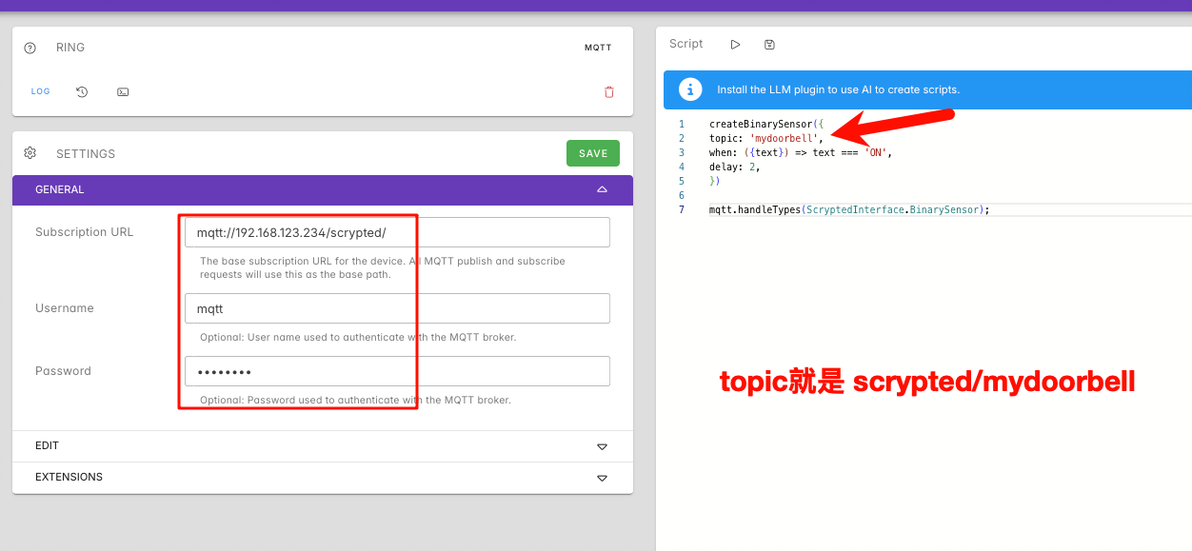
三、输入代码,保存
代码块
TypeScript
自动换行
复制代码
createBinarySensor({
topic: 'doorbell',
when: ({text}) => text === 'ON',
delay: 2,
})

mqtt.handleTypes(ScryptedInterface.BinarySensor);
复制成功
点击Script旁边的run按钮,然后发送个消息测试一下
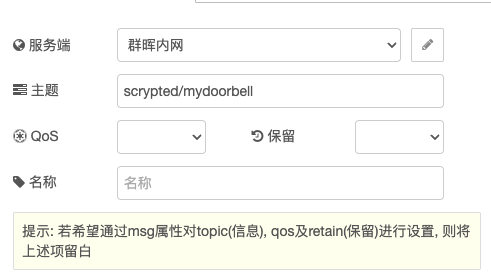
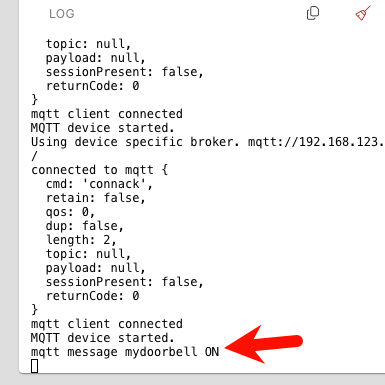
可以收到消息
四、按照官方步骤
创建一个设备组
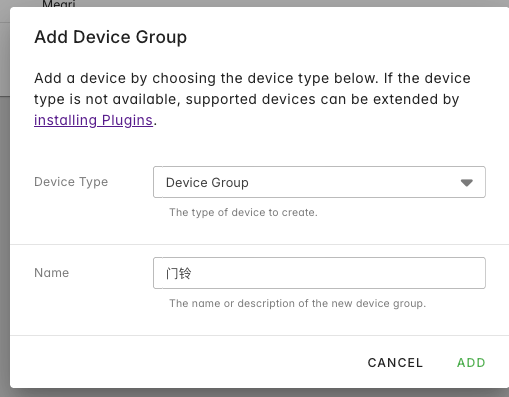
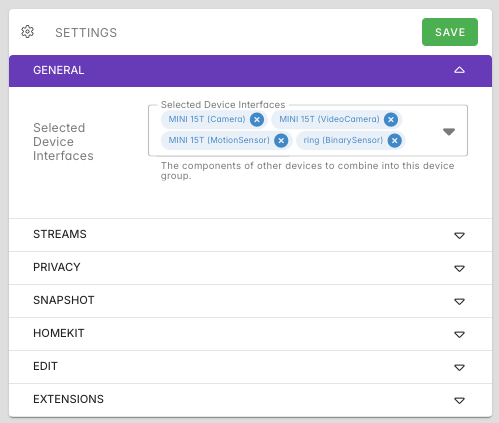
设备选这几个,注意括号里面的,然后添加到homekit里面
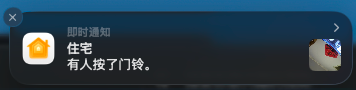
就可以看到带图像的通知了
cv51416770
分享至
投诉或建议
