

1.BP_PCG1_factorybuilding
Wall Type :
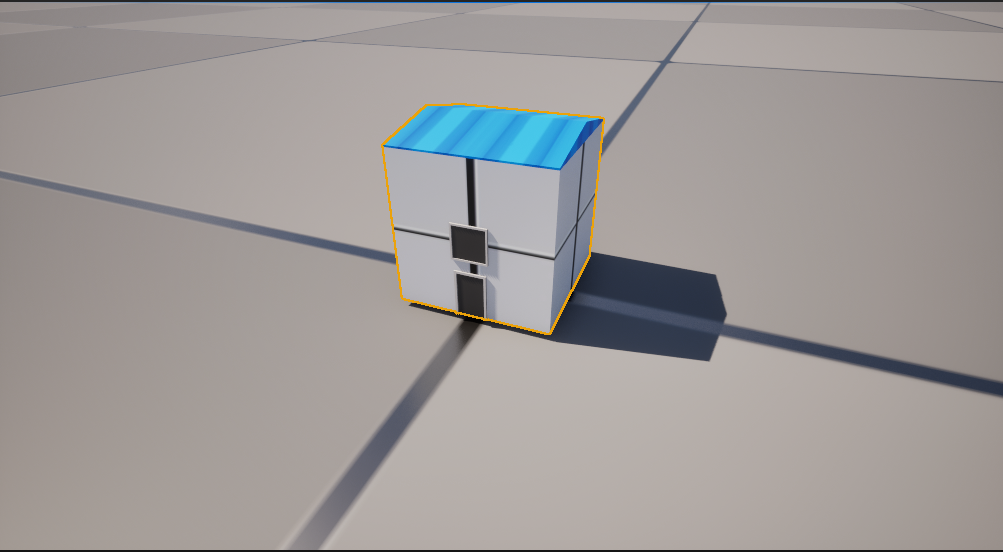
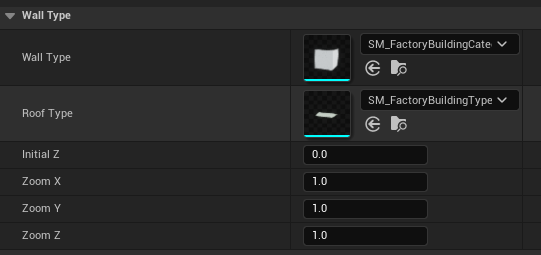
(1)You can freely replace and combine grid body types
(2)The length, width, and height of the overall component can be adjusted freely while maintaining the parameterized scaling ratio
Window Type :
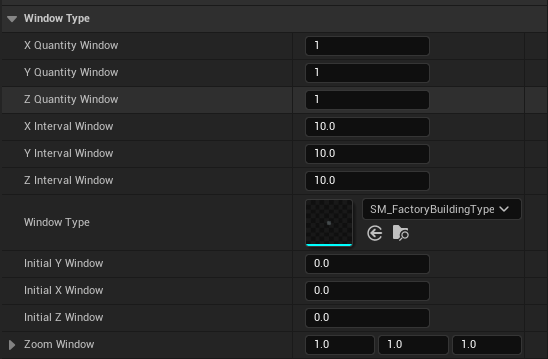
(1)The number and spacing of the window arrays can be adjusted as desired
(2)Replaceable window grid type
(3)Adjustable offset and scaling
Material Type :
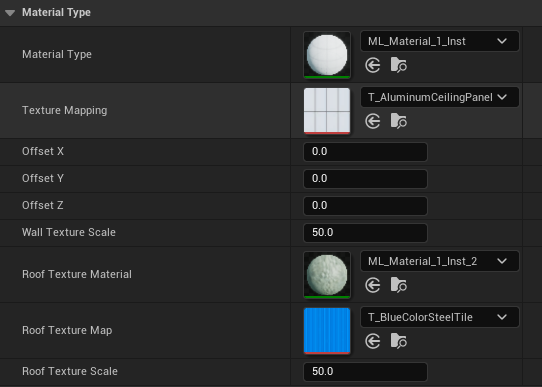
(1)Adjustable texture offset and scaling
(2)Freely replaceable texture types
(3)Arbitrarily changeable texture distribution
Door Type:
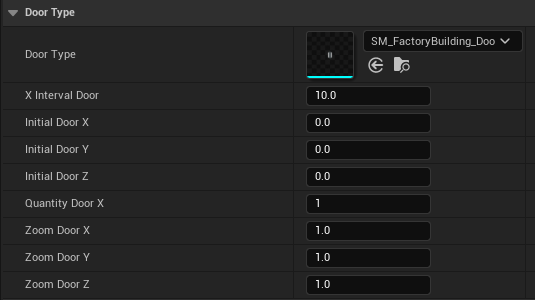
(1)The number and spacing of gate arrays, as well as the initial offset values, can be freely adjusted
2.BP_pipeline
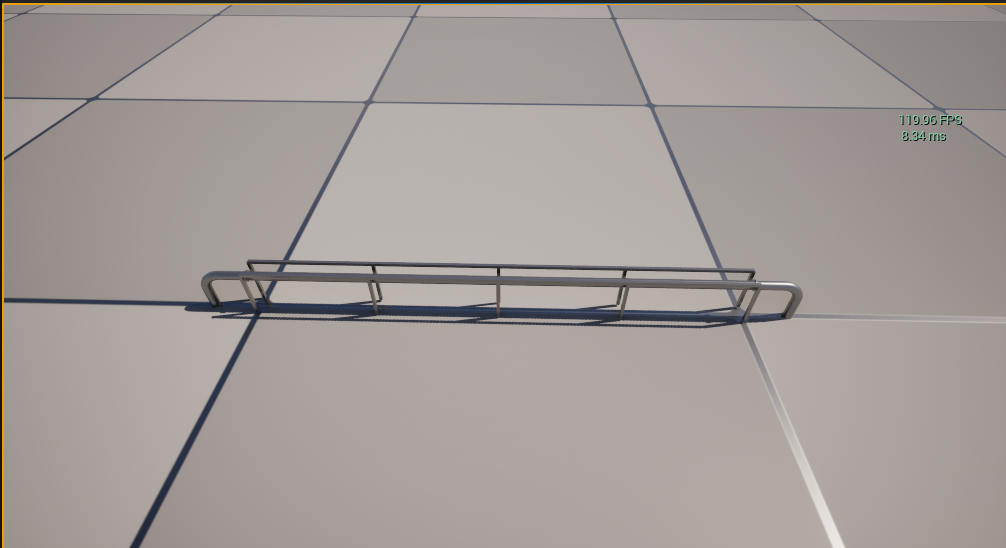
Parameter Description:
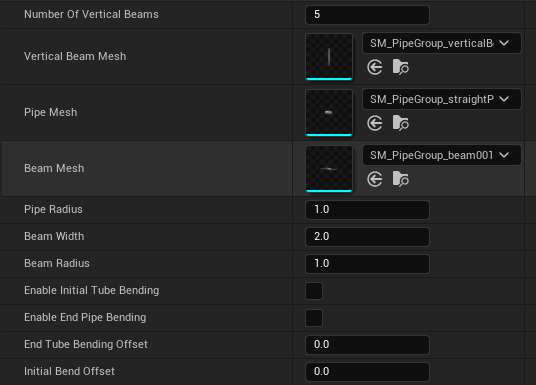
(1) Number Of Vertical Beams:The parameter setting is based on dividing the total length of the spline by the number of intervals for arraying. It supports the generation of multiple spline points, but significant errors may occur when the angle deviation between multiple points is too large
(2) Vertical Beam Mesh
Pipe Mesh
Beam Mesh:These three basic grid elements are the fundamental components for constructing this component, and they can be freely replaced and recombined according to specific scene requirements
(3)Pipe Radius:The parameter here controls the radius of the pipeline. It is not recommended to set it too large, as it may easily cause visual distortion
(4)Beam Width,Beam Radius:Beam Width adn Beam Radius It has relevance, and attention should be paid during adjustment
(5)Enable Initial Tube Bending
Enable End Pipe Bending
End Tube Bending Offset
Initial Bend Offset:
This is where you can set the display and hide options as well as fine-tune the starting position. Please note that adjustments should be made according to the actual situation
3.BP_pressuretank
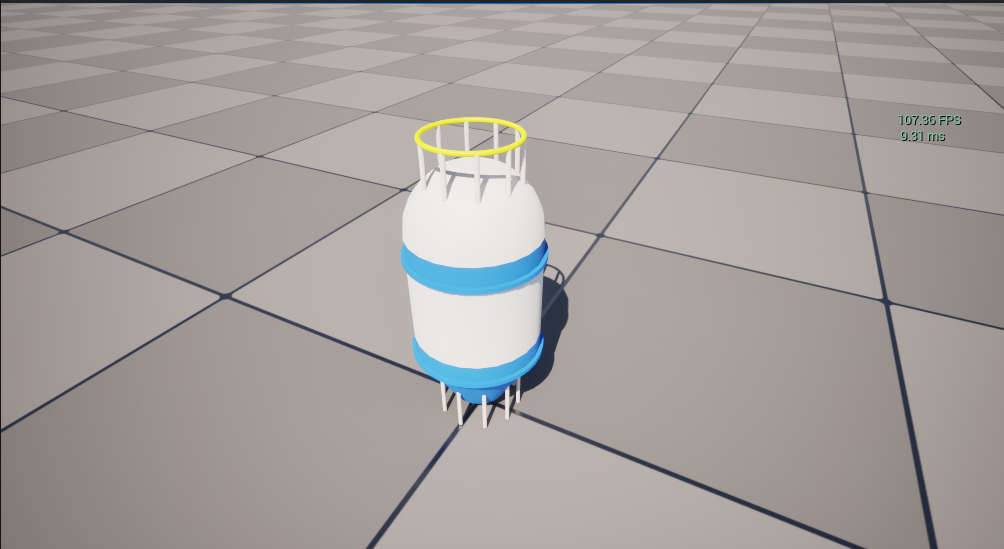
(1)Default:
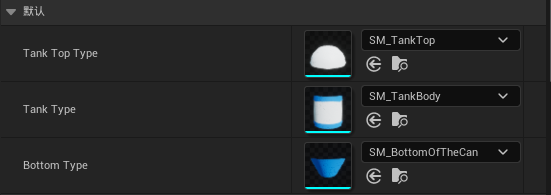
Bottom Type:These three basic components, as the fundamental building blocks of the main body, can be replaced or modified according to the actual project requirements
(2)Tank Top Type:
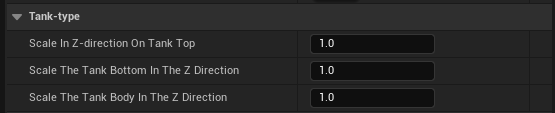
Adjust the z-direction scaling of the upper, middle, and lower components separately while maintaining the scaling ratio parameterization
(3)Circular Ring Class:
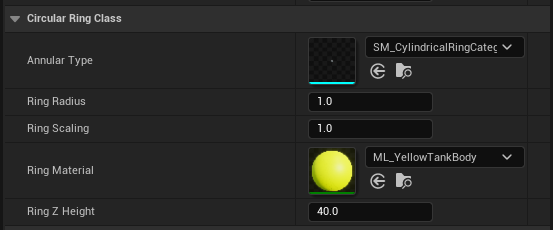
Projecting the bottom spline to the top circular ring here determines the radius scaling of the entire tank body, while the local radius of the circular ring itself can also be adjusted independently
(4)Upper Cylinder:
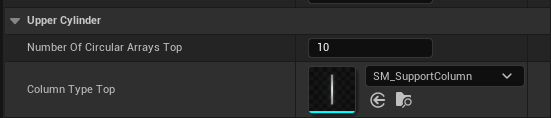
As the name suggests, this is the parameterization of the upper fence
(5)Square Ring Category:
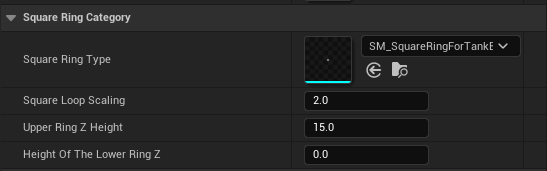
Parameter adjustment of the square-shaped circular ring in the middle
(6)Lower Cylinder:
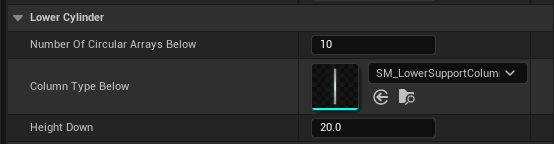
Similar to the above, adjust the type and initial height of the entire column of grid entities
