
原文:https://github.com/XColorful/Custom-BattleRoyale-Complete/wiki/Quick-start-guide
快速入门
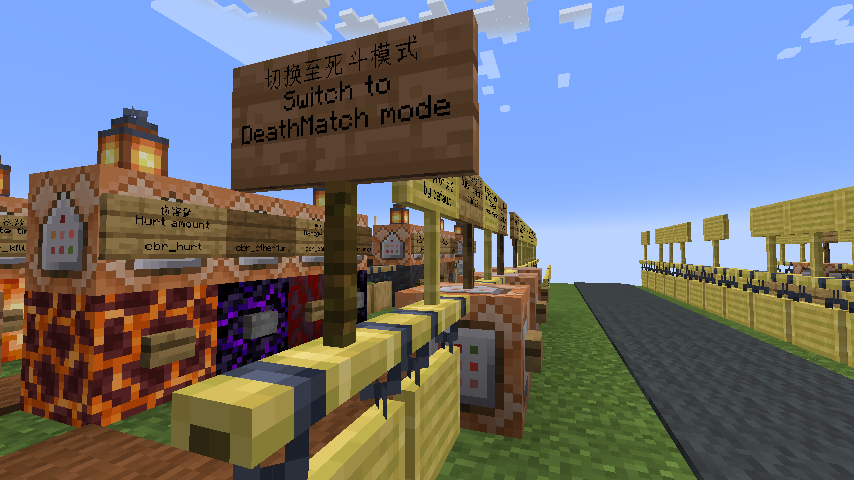
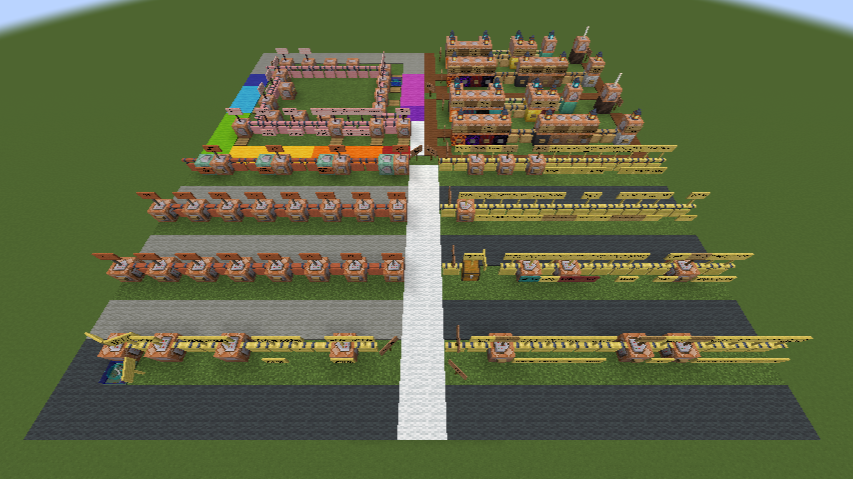
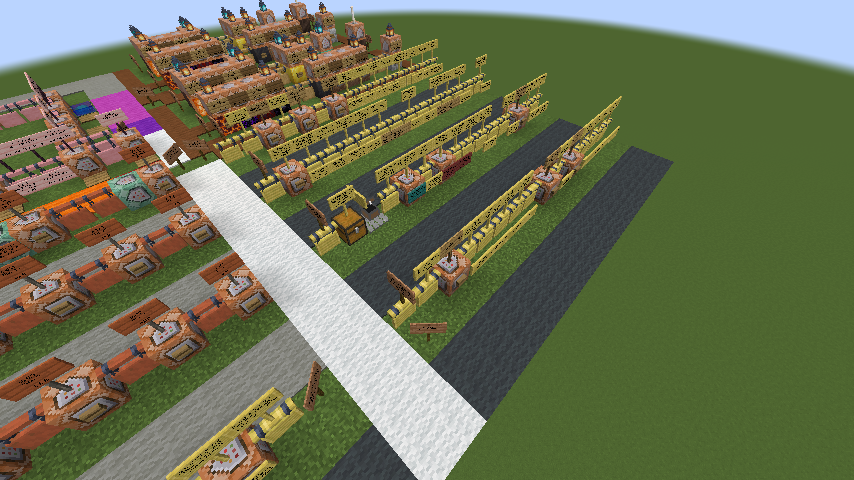
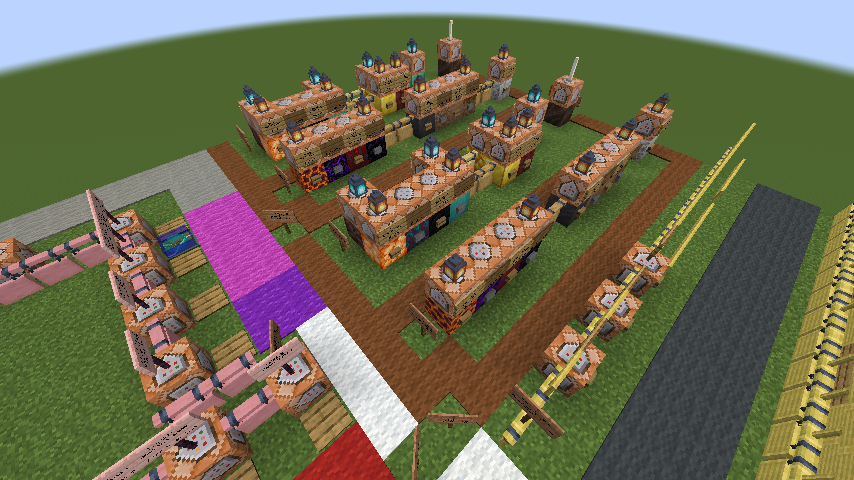
自 0.5.0 起,整合包里附带一张地图,以助于快速入门
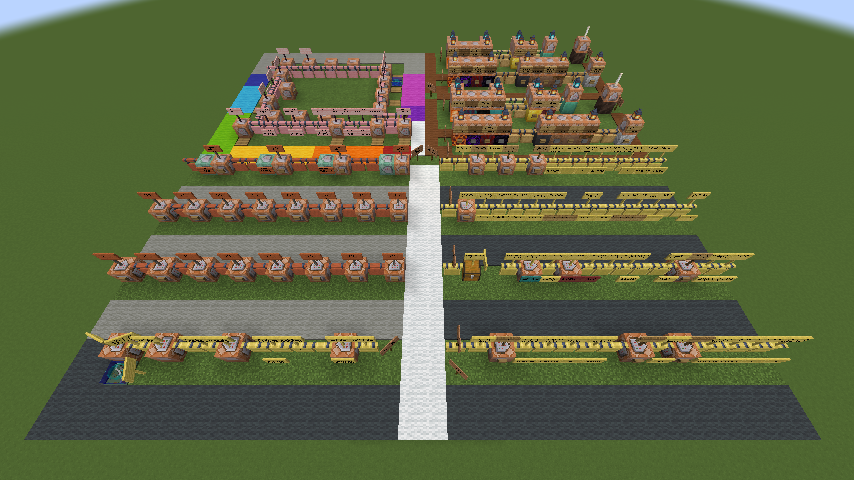
沿此路开始游戏
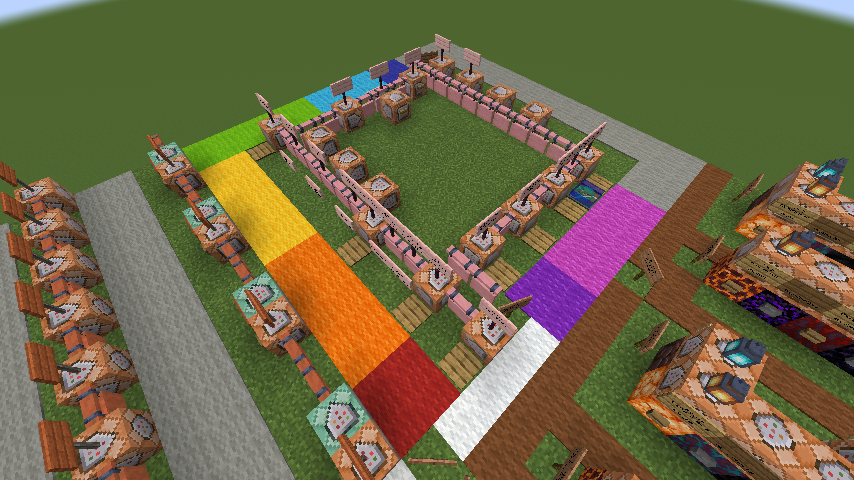
沿着大厅的彩虹地毯走一圈,途径多个命令方块
读取配置
/cbr game load
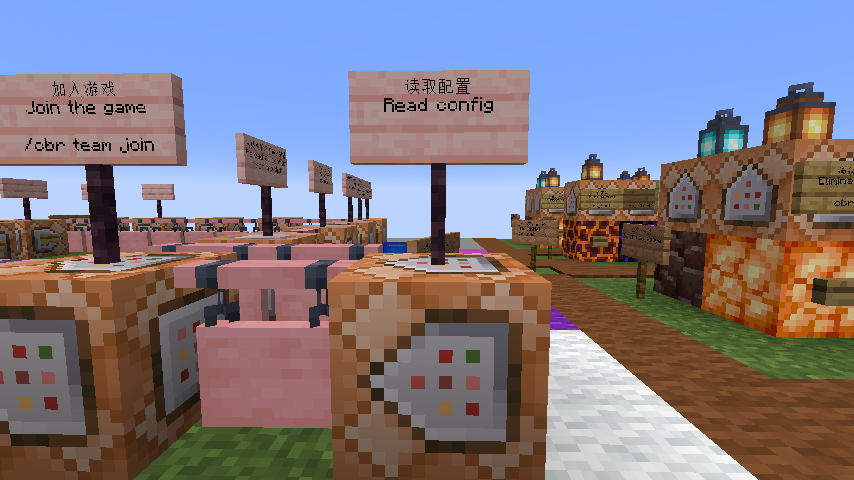
加入游戏
/cbr team join
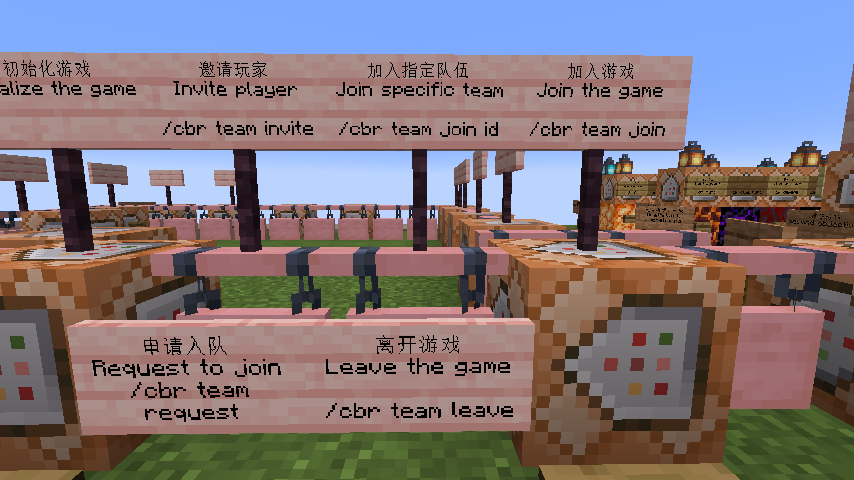
加入指定队伍:/cbr team join [队伍 ID]_
邀请玩家加入队伍:/cbr team invite [玩家名]
申请加入队伍:/cbr team request [玩家名]
离开游戏:/cbr team leave
初始化游戏
/cbr game init
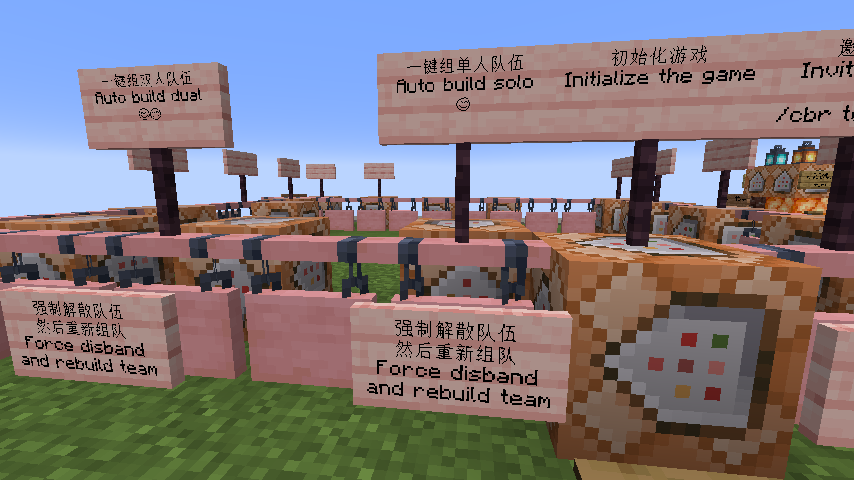
默认会将玩家传送至大厅
在[游戏配置](https://github.com/XColorful/BattleRoyale/wiki/Gamerule-config#游戏配置)更改teleportWhenInitGame至false可禁用
一键组单人队伍:/cbr team build @a 1 true
一键组双人队伍:/cbr team build @a 2 true
为新玩家(无队伍)组双人队伍:/cbr team build @a 2 false
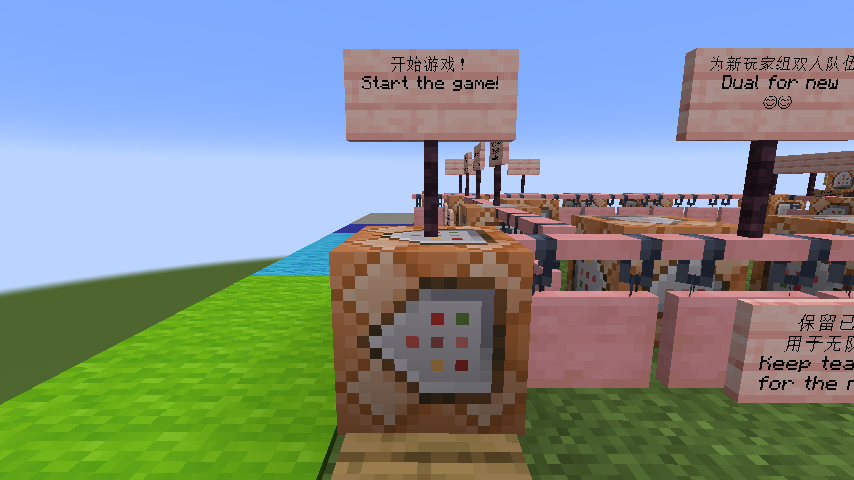
开始游戏
/cbr game start
观战游戏
/cbr game spectate
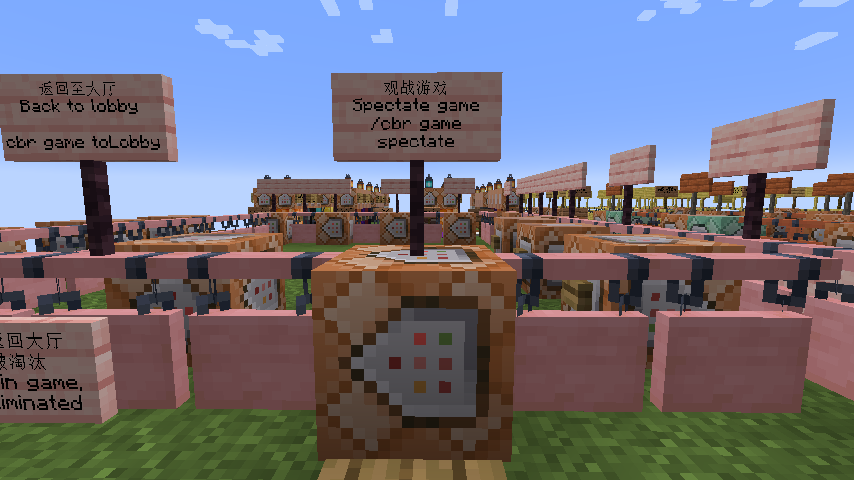
默认需要队伍被淘汰后才能执行
在[游戏配置](https://github.com/XColorful/BattleRoyale/wiki/Gamerule-config#游戏配置)更改spectateAfterTeamEliminated至false,可使队伍未被淘汰时依旧能观战
默认允许非游戏玩家观战
在[游戏配置](https://github.com/XColorful/BattleRoyale/wiki/Gamerule-config#游戏配置)更改onlyGamePlayerSpectate至true可禁止非游戏玩家观战
返回至大厅
/cbr game toLobby
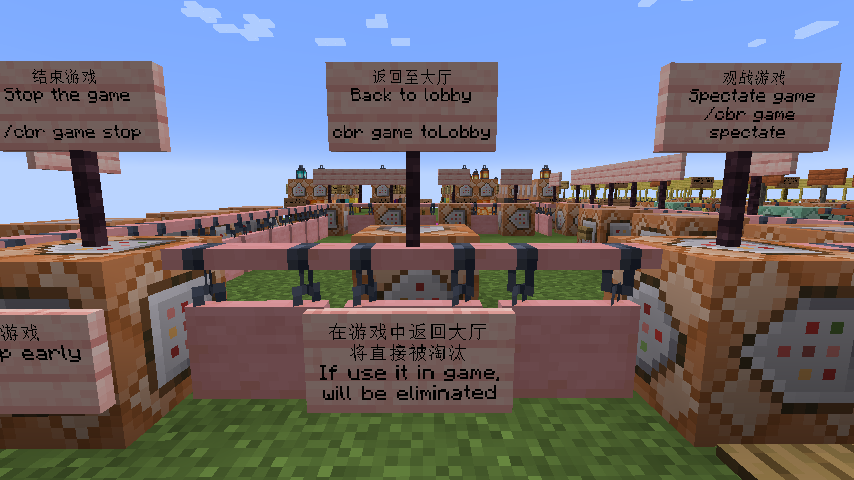
在任意时候均可手动输入指令执行;或点击游戏结束后的[观战]
如在游戏中执行,将直接被淘汰
结束游戏
/cbr game stop
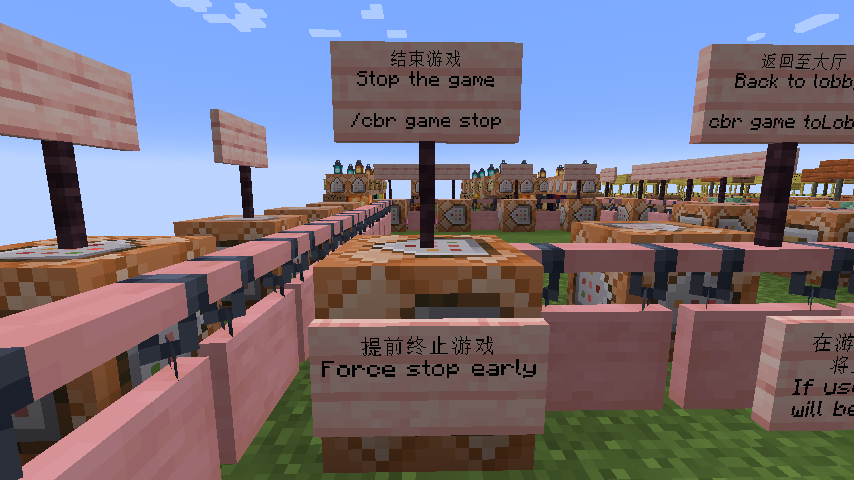
提前终止游戏,不会产生赢家
修改游戏配置
重新读取配置
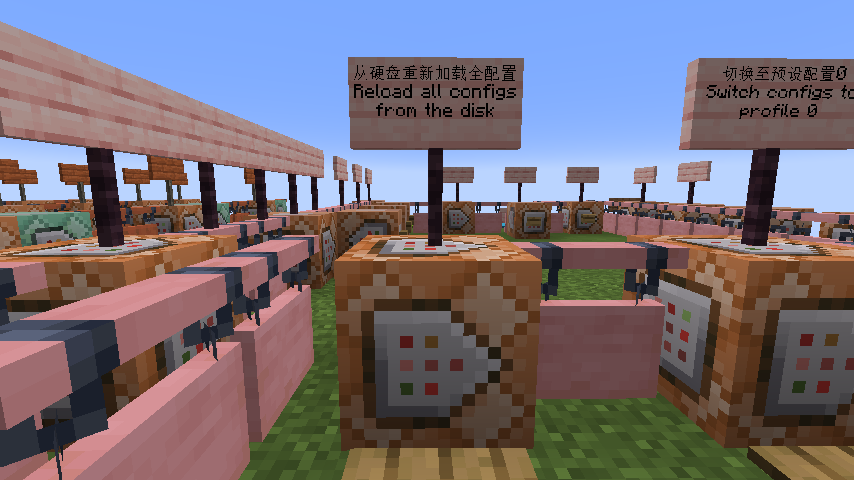
使用 /cbr reload 可一键重新读取所有模组配置;也可以使用 /cbr reload game gamerule 等具体类别
如果仅有一个配置文件中包含"default": true词条,将默认选中,否则不保证默认选中的配置文件,如下所示
[
	{
		"id": 0,
		"default": true, // 👈添加 default
		"name": "BattleRoyale Erangel 881x881",
		"color": "#FFFFFFAA",
		"modConfigManager": {
			// ...
		}
		// 其余内容
	}
]一键切换预设配置
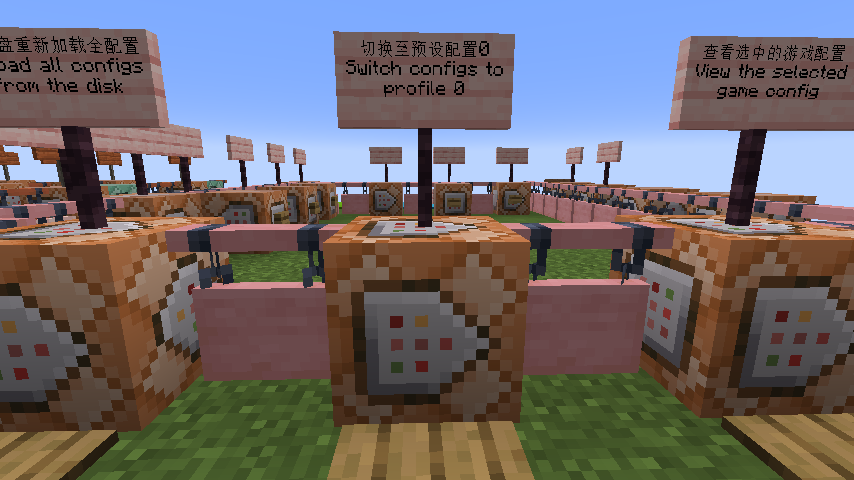
使用 /cbr utility profile load [id] 一键切换多个配置文件
使用[保存配置预设](https://github.com/XColorful/BattleRoyale/wiki/Utility-command#保存配置预设)指令一键保存当前选中的配置组合: /cbr utility profile save
更改大厅位置
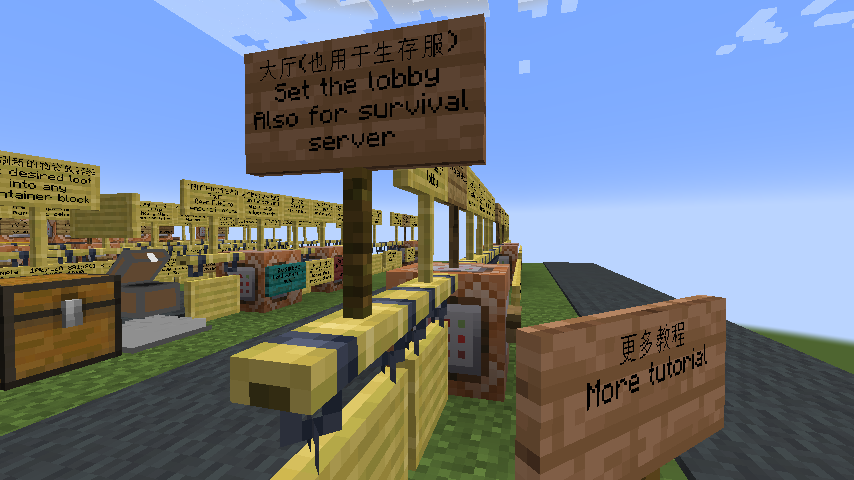
1. 更改[大逃杀规则配置](https://github.com/XColorful/BattleRoyale/wiki/Gamerule-config#大逃杀规则配置)的lobbyCenter
2. [重新读取配置](#重新读取配置)或重启游戏
3. [切换游戏规则配置文件](https://github.com/XColorful/BattleRoyale/wiki/Config-command#大逃杀游戏配置)
[
	{
		"gameId": 0,
		"gameName": "Erangel 100 4",
		"color": "#FFFFFFAA",
		"battleroyale": {
			// ...
			"lobbyCenter": "3816.000000,14.000000,-3624.000000", // 👈修改lobbyCenter
			"lobbyDimension": "555.000000,555.000000,555.000000",
			"lobbyMuteki": true,
			"lobbyHeal": true,
			"lobbyChangeGamemode": true,
			"lobbyTeleportDropInventory": false,
			"lobbyTeleportClearInventory": true,
			// ...
		}
		// 其余内容
	}
]切换地图
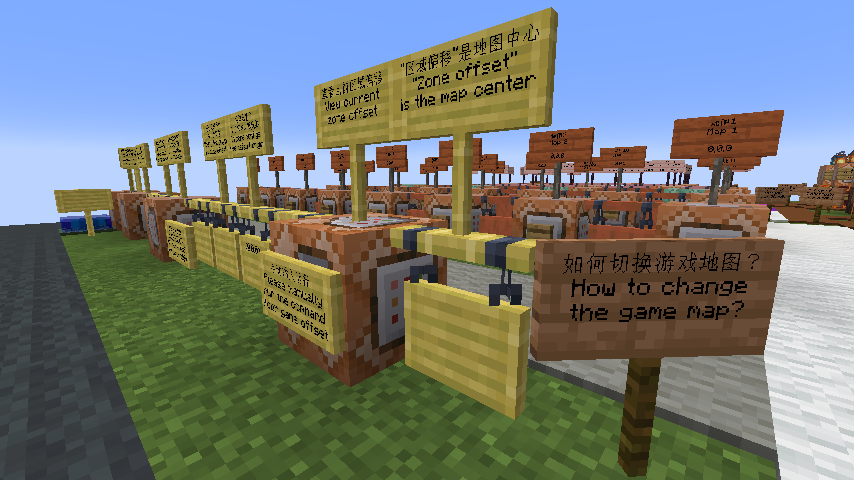
1. 使用指令[区域偏移](https://github.com/XColorful/BattleRoyale/wiki/Game-command#区域偏移)修改地图中心坐标,y 分量建议为 0
例如地图的中心点在`123,64,456`,那么推荐使用 /cbr game offset 123.0 0.0 456.0
2. 如果地图尺寸有变,需要切换[区域配置](https://github.com/XColorful/BattleRoyale/wiki/Zone-config);或专门制作后[重载配置](https://github.com/XColorful/BattleRoyale/wiki/Reload-command#区域配置),再[切换配置](https://github.com/XColorful/BattleRoyale/wiki/Config-command#大逃杀游戏配置)
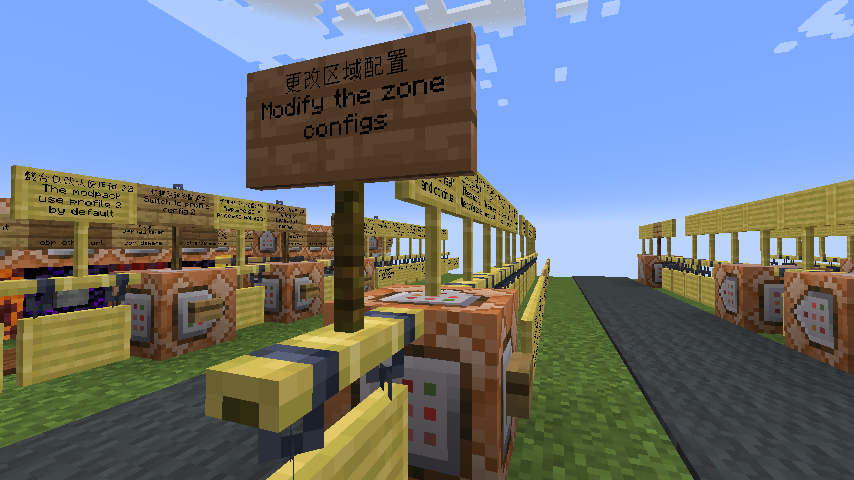
区域配置较为复杂,但模组提供了诸多可复用的配置,只需要修改第一个区域的维度(圆形半径、正方形半边长)即可,例如对于881x881_casual.json:
修改"fixed":"x,y,z"的 x 和 z 分量,即可修改区域维度
默认生成的区域配置中,后续的区域都已基于"zoneId": 0的区域维度进行相对比例的计算,而不需要逐个修改
[
	{
		"zoneId": 0,
		"zoneName": "Blue border",
		// ...
		"zoneFunc": {
			// ...
		},
		"zoneShape": {
			"zoneShapeType": "circle", // 通常为圆形或者方形
			"start": {
				"center": {
					// ...
				},
				"dimension": {
					"dimensionType": "fixed",
					"fixed": "440.5,384.0,440.5", // 👈修改这里
					"randomRange": 0.0,
				},
				// ...
			},
			// ...
		},
		// ...
	},
	// 其余区域
]修改"randomRange":正方形半边长,即可以大地图中心,随机选取小地图
[
	{
		"zoneId": 0,
		"zoneName": "Blue border",
		// ...
		"zoneFunc": {
			// ...
		},
		"zoneShape": {
			"zoneShapeType": "circle", // 通常为圆形或者方形
			"start": {
				"center": {
					"centerType": "fixed",
					"fixed": "0.0,-64.0,0.0",
					"randomRange": 3400.0, // 👈修改这里
					// ...
				},
				// ...
			},
			// ...
		},
		// ...
	},
	// 其余区域
]3. 如果修改的区域尺寸差距过大,还需要切换或修改[出生配置](https://github.com/XColorful/BattleRoyale/wiki/Spawn-config),这决定了游戏开始时玩家刷新的位置
更多教程
💡点击查看[自定义大逃杀Wiki](https://github.com/XColorful/BattleRoyale/wiki),包含模组各功能说明
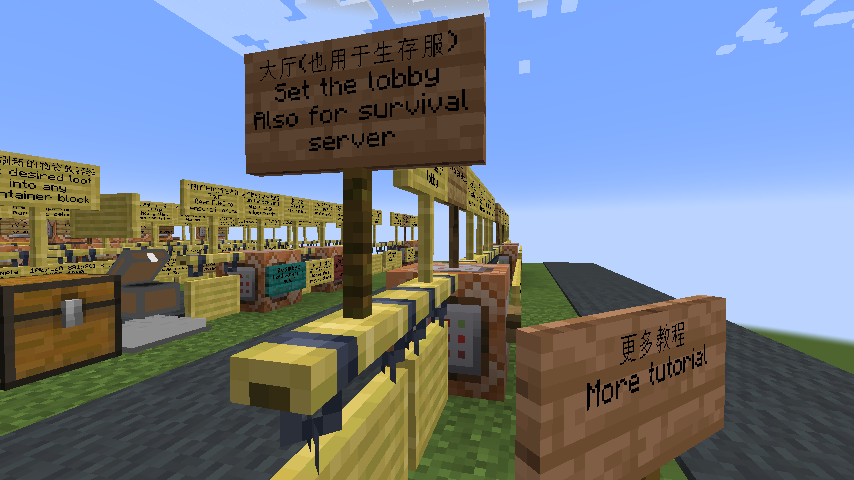
整合包以[自定义大逃杀](https://github.com/XColorful/BattleRoyale)为核心,并不局限于单一游戏形式/整合包,但有一些特别的功能:
如果你是一个生存服服主
你可能需要[生存模式大厅](https://github.com/XColorful/BattleRoyale/wiki/Utility-config#生存模式大厅)来跨纬度传送和自动物品管理,以及物资刷新机制的[方块实体白名单](https://github.com/XColorful/BattleRoyale/wiki/Performance-config#公共设置)
如果你的服务器需要占用记分板/用指令获取游戏数据
修改[统计数据配置](https://github.com/XColorful/BattleRoyale/wiki/Stats-config)以显示自定义侧边栏或利用同步的游戏信息来触发红石电路
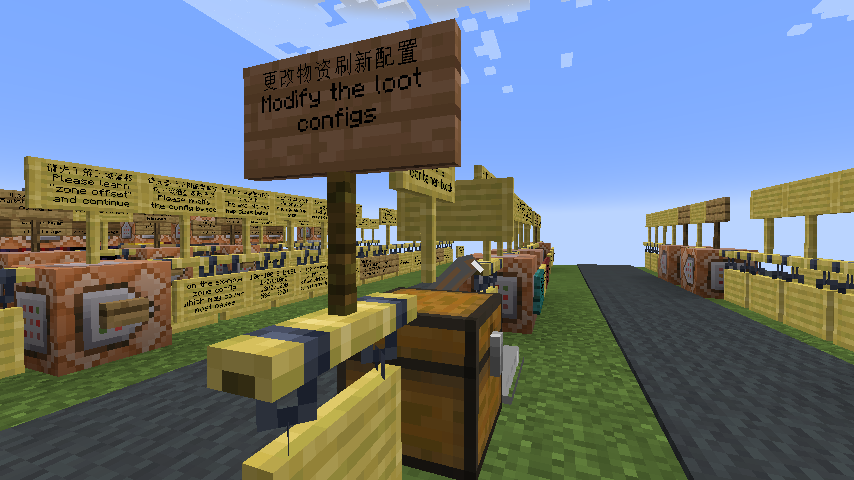
如果你需要随机[TaCZ枪械](https://github.com/MCModderAnchor/TACZ)大乱斗/随机物品物资刷新
模组可以[自动生成物资刷新配置](https://github.com/XColorful/BattleRoyale/wiki/Utility-command#生成物资刷新配置文件),无需手写战利品表
如果你需要在一个存档里设置多个游戏地图
了解[区域偏移](https://github.com/XColorful/BattleRoyale/wiki/Game-command#区域偏移)并保存各游戏地图中心坐标
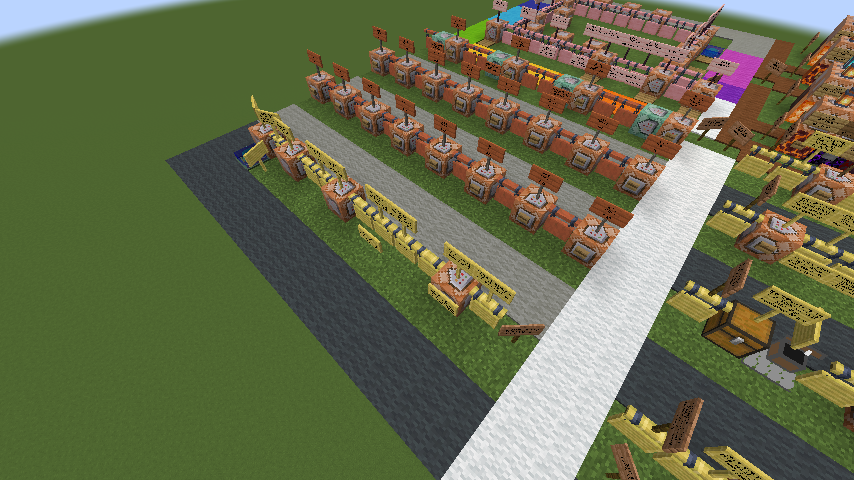
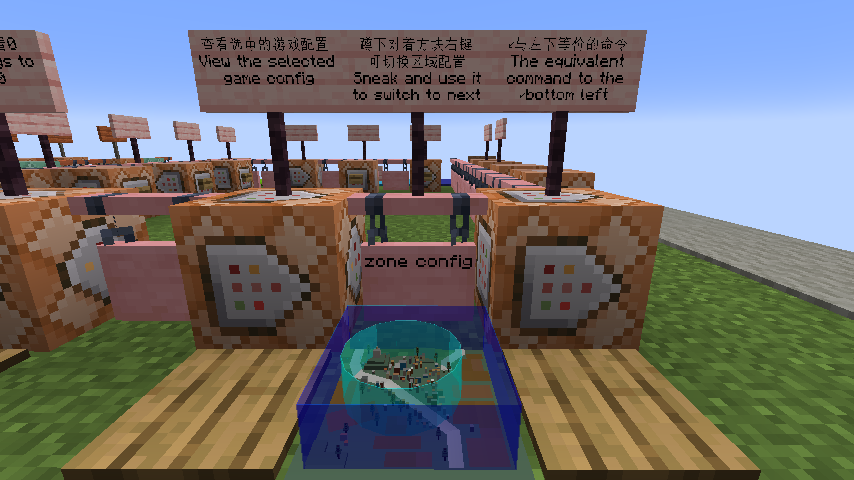
对于不同的[区域配置](https://github.com/XColorful/BattleRoyale/wiki/Zone-config),可以用区域控制器(方块)让玩家自行切换,也可以配合连锁命令方块[指定切换](https://github.com/XColorful/BattleRoyale/wiki/Config-command#大逃杀游戏配置)的[区域配置](https://github.com/XColorful/BattleRoyale/wiki/Zone-config)
如果你需要修改成其他玩法(例如魔法大逃杀)
你可能需要定制[物资刷新配置](https://github.com/XColorful/BattleRoyale/wiki/Configuration-introduction#物资刷新配置)
如果你的服务器 TPS 非常告急,甚至容不得 5ms 的卡顿
在[游戏刷新设置](https://github.com/XColorful/BattleRoyale/wiki/Performance-config#游戏刷新设置)尽可能降低物资刷新速率
模组开发
如果你是一个开发者/想要深入了解该模组:
查看[模组文档](https://github.com/XColorful/BattleRoyale/tree/HEAD/docs)
如果你想要监听游戏事件/编写扩展模组,查看[模组扩展教程](https://github.com/XColorful/BattleRoyale/blob/HEAD/docs/architecture/Home.md#模组扩展教程)
如果需要深度了解,先阅读模组的[设计哲学](https://github.com/XColorful/BattleRoyale/blob/HEAD/docs/architecture/design/design-philosophy.md)或[快速入门](https://github.com/XColorful/BattleRoyale/blob/HEAD/docs/Quick%20start%20guide.md),再查看[架构总览](https://github.com/XColorful/BattleRoyale/blob/HEAD/docs/architecture/Home.md)和[API 索引](https://github.com/XColorful/BattleRoyale/blob/HEAD/docs/architecture/api/api-index.md)
如果你只是想要获取最新版模组,却又不会写模组:在了解如何[部署环境](https://github.com/XColorful/BattleRoyale/wiki/Deploy-Environment)后克隆模组[Github仓库](https://github.com/XColorful/BattleRoyale)即可手动编译
如需扩展游戏模式,参考死斗模式的代码实现及如何切换,做成扩展模组