
如何使用Python打开编辑和写入.xlsx文件?
国内常用的PyPi镜像源包括以下几种:
阿里云镜像 :地址为https://mirrors.aliyun.com/pypi,特点包括速度快、稳定性高,适合电信、移动和教育网用户
1
2。
清华大学镜像 :地址为https://pypi.tuna.tsinghua.edu.cn/simple,特点是更新及时、镜像内容丰富,适合教育网用户
2
3。
豆瓣镜像 :地址为https://pypi.douban.com/simple/,速度稳定,适合多种网络环境
2。
中国科技大学镜像 :地址为https://pypi.mirrors.ustc.edu.cn/simple/,更新及时,镜像内容丰富,适合教育网用户
2
3。
百度镜像 :地址为https://mirror.baidu.com/pypi/simple/,速度快,适合多种网络环境
3
4。
腾讯云镜像 :地址为https://mirrors.cloud.tencent.com/pypi/simple/,访问速度快,适合电信、移动和教育网用户
3。
华为云镜像 :地址为https://mirrors.huaweicloud.com/repository/pypi/simple/,软件数量较多,适合多种网络环境
3。
北京外国语大学镜像 :由清华大学团队维护,速度快、稳定性高
2。
山东理工大学镜像 :地址为http://pypi.sdutlinux.org/,适合多种网络环境
3。
搜狐镜像 :地址为http://mirrors.sohu.com/Python/,适合多种网络环境
3。
网易镜像 :地址为https://mirrors.163.com/pypi/simple/,速度快,适合多种网络环境
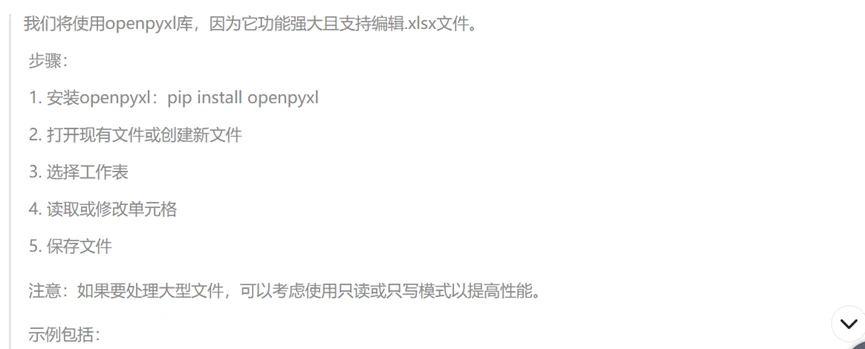
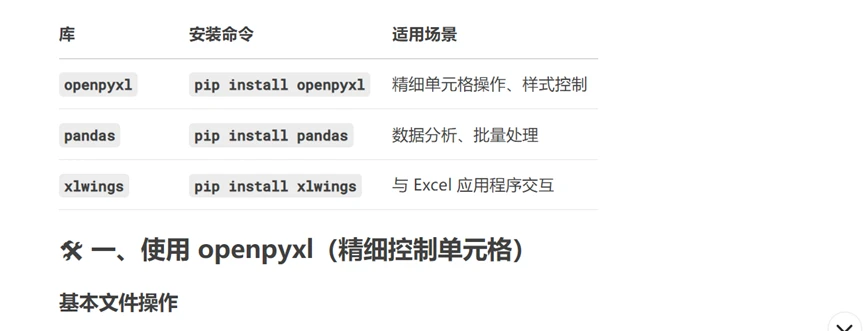
使用阿里云镜像源安装openpyxl
打开你的终端或命令提示符,然后使用以下命令通过阿里云镜像源安装openpyxl:
pip install openpyxl -i https://mirrors.aliyun.com/pypi/simple/
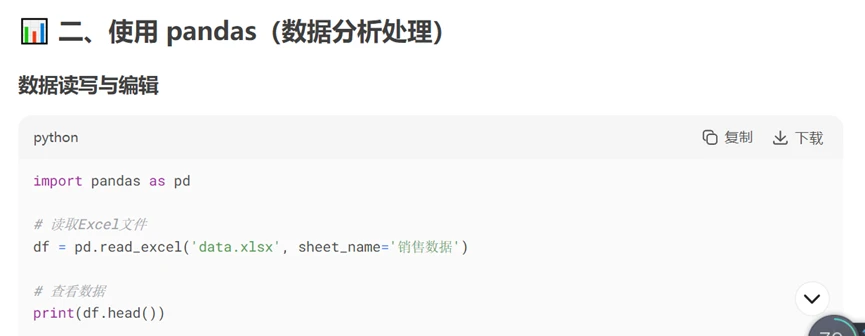
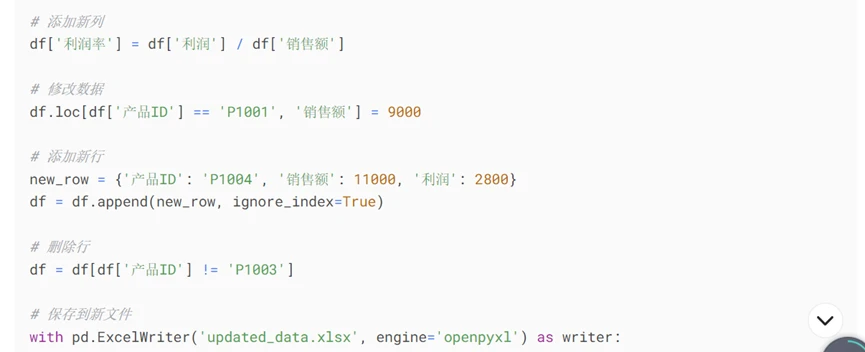
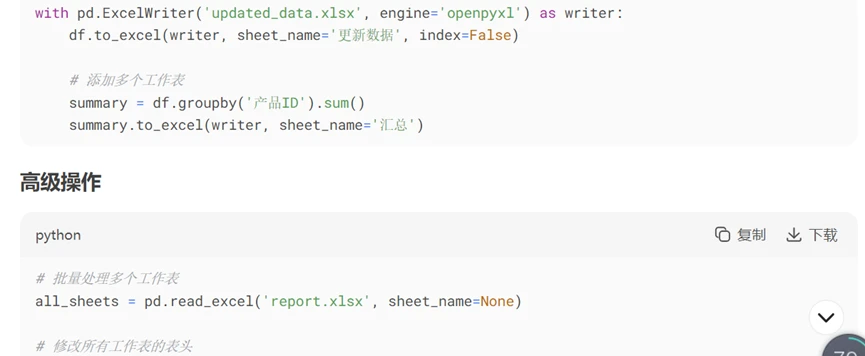
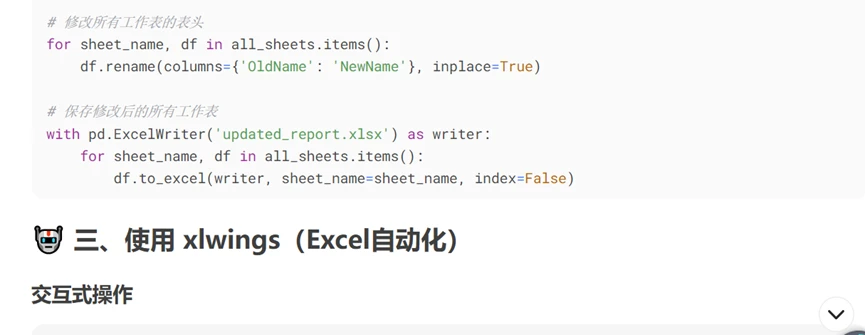
pandas如何读取特定单元格范围的xlsx表格
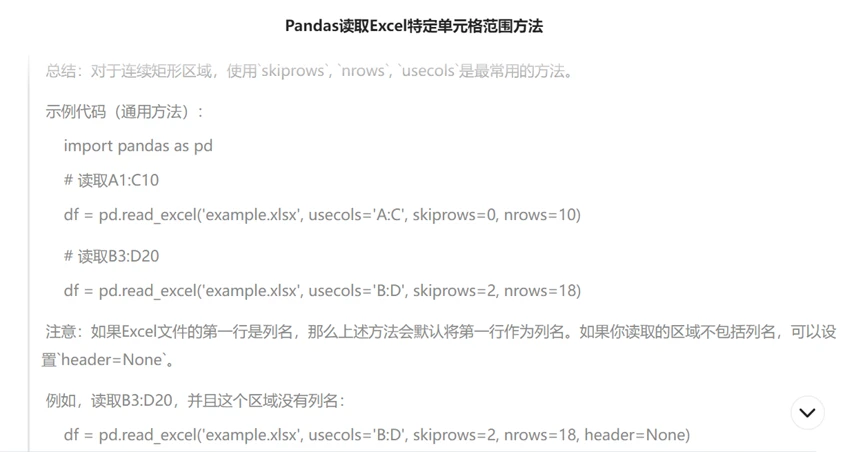
下面是一个具体的事例,注意使用的是openpyxl 引擎:
import pandas as pd
import numpy as np
nn=38-6
mm=202-39
df1=pd.read_excel('chengjibiao-20250628.xlsx',sheet_name='课程成绩单',usecols='B:B',skiprows=6,nrows=nn,header=None)
n_array=np.array(df1)
string_n=n_array.astype(str)
df2=pd.read_excel('chengjibiao-20250628.xlsx',sheet_name='课程成绩单',usecols='B:B',skiprows=39,nrows=mm,header=None)
m_array=np.array(df2)
string_m=m_array.astype(str)
print(string_n)
print(string_m)
